63
English
Press the PAGE/EXIT key to go back
to Navigation mode and enable
automatically the Autozoom func-
tion.
NOTE: To delete a single marker, select it
from the GOTO Marker list, press ENTER,
choose the DELETE MARKER option, then
enable it by pressing ENTER.
FUNCTIONS IN THE MARKER MENU
Storing a set of markers in the SD Card
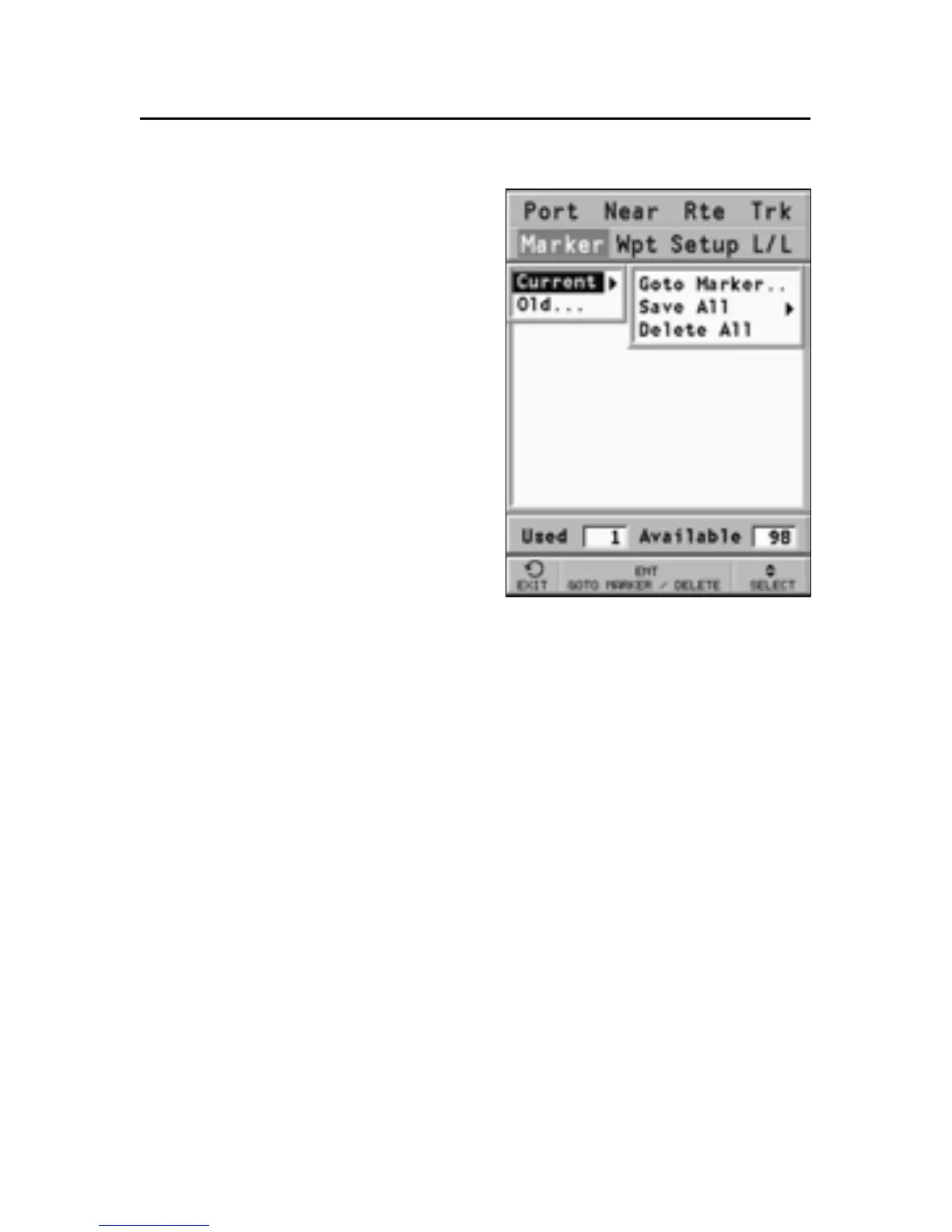
Press the GOTO key to display the
menu, select MARKER, CUR-
RENT, SAVE ALL and press EN-
TER to confirm. Use the joystick
to change the default name and
press ENTER to confirm.
A message will confirm that markers have been stored cor-
rectly. Once stored, markers will disappear from the screen.
Each time a set of markers is stored in the SD Card, the plot-
ter memory is cleared and the indicator of the markers avail-
able is reset to the maximum value.
Recalling a set of markers from the SD Card
Press the GOTO key to display the menu, select MARKER, OLD
and press ENTER to open the marker catalog. Select the set of
markers desired, press ENTER, choose the OPEN FILE option,
then press ENTER to confirm the operation or PAGE/EXIT to exit.
If some markers are already present on the chart, when re-
calling a set of markers from the SD Card, a window will ask
to confirm the marker deletion and replacement.
Press ENTER to confirm the operation, or PAGE/EXIT to exit.



 To Next Page