72
English
Setup
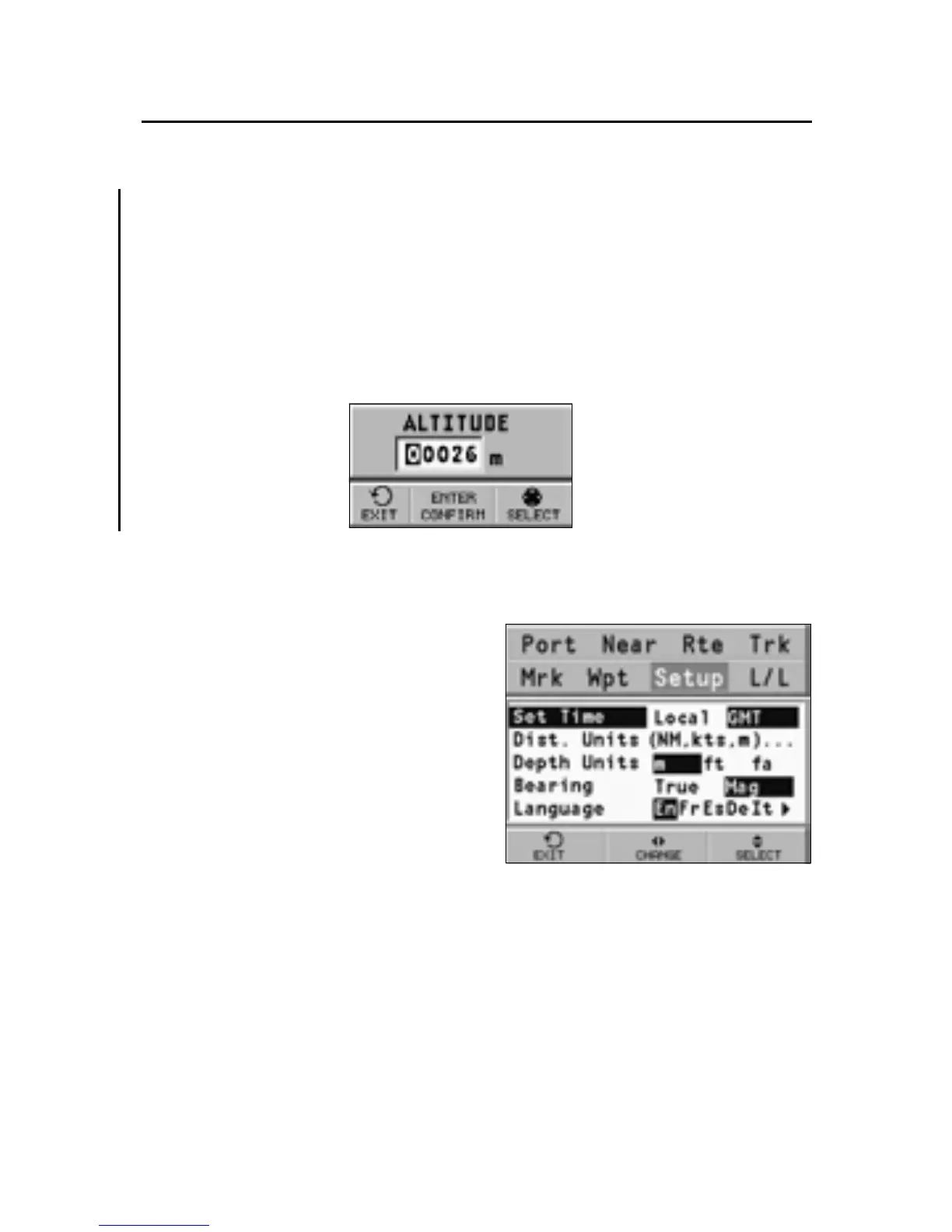
ALTITUDE SETTING
The altitude setting window allows editing the altitude value,
when well-known, used by the barometer so as to make the
weather forecast more accurate.
NOTE: The altitude value editing does not affect the altitude data transmitted by the
GPS device.
UNITS AND LANGUAGE
• Set Time (LOCAL/GMT)
Enters local time.
• Distance Units (NAUT/
METR/STAT)
Selects distance units.
• Depth Units (M/FT/FA)
Selects depth units.
• Bearing (TRUE/MAG)
Sets the magnetic mode for
all bearings.
• Language (EN/FR/ES/DE/DK/IT/SV/NL/SU/NO/GR)
Selects the language.
WINDOWS
• Selects the auxiliary windows to display. For every win-
dow, a preview image - whose display can be enabled/
disabled (ON/OFF) - is available.
3S



 To Next Page