96
English
SETUP
The Setup menu allows setting the available options. To ac-
cess the Setup menu, press GOTO to display the main menu,
then select SETUP by using the joystick.
The menu items are grouped in seven sets. When selecting a
set by the joystick, the list of the available options will be
displayed. Press ENTER to select one set, then use the joystick
to switch from one option to another and edit the setting.
To go back to the set list, press PAGE/EXIT.
MODE
• Selects the operating mode desired. Refer to Selecting the
marine and land mode in the Functional Characteristics Sec-
tion.
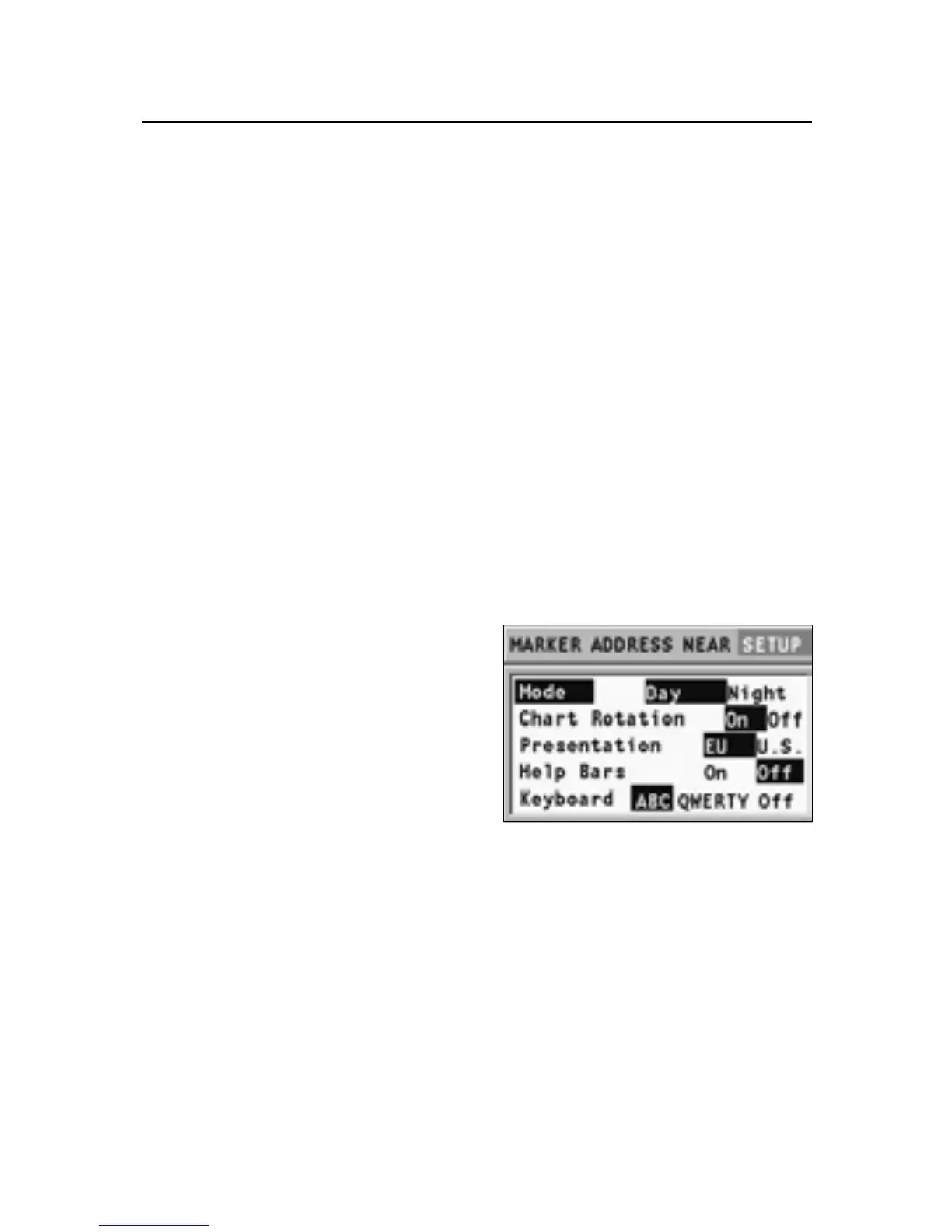
SCREEN
• Mode (DAY/NIGHT)
Selects the colors suitable for
the brightness of the envi-
ronment.
• Chart Rotation (ON/OFF)
Enables/disables the Chart
Rotation function.
• Presentation (EU/U.S.)
Selects the symbols and col-
ors of chart presentation.
• Help Bars (ON/OFF)
Enables/disables the guide text to the functions.
• Keyboard (ABC/QWERTY/OFF)
Enables/disables the virtual keyboard for entering the place
names.
ROAD NAVIGATION (CAR/WALK)
• Path (QUICKEST/SHORTEST)
Defines the quickest or shortest way to reach the destina-
tion. In Walk mode, only the Shortest option is available.
Setup



 To Next Page