95
English
calculated, crossing the new Via point, yet leaving the start-
ing and the destination points unchanged.
No more than 3 Via points can be added to a route.
Changing the starting/destination point
In order to change the starting and/or destination point, move
the cursor to the new starting/destination point and press
ENTER. Define the point as starting or destination and press
ENTER. The instrument will prompt for confirmation to delete
the old route, and a new one will be calculated, based on the
new starting/destination point, yet leaving the Via points un-
changed.
Editing a Via point
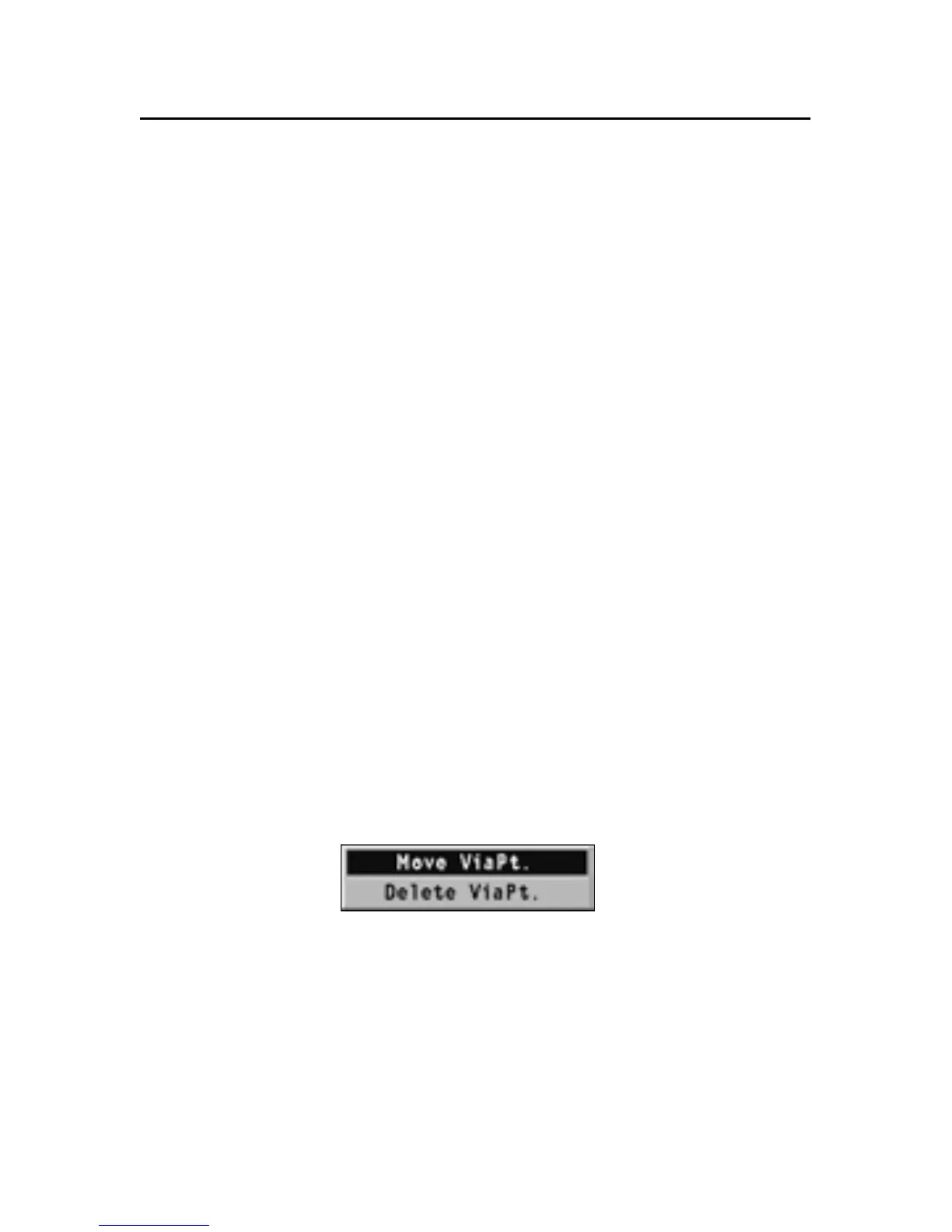
In order to delete a Via point, move the cursor on the Via point
to delete, select “Delete Via Point” and press ENTER. The Via
point will be deleted, and the route will be calculated based
on the starting, the Via and the destination points still present.
In order to change the position of a Via point, move the cursor
on the Via point to move, select “Move Via Point” and press
ENTER. Move the cursor to the new position and press ENTER
again. The Via point will be moved, and the route will be
calculated based on the starting, the new Via and the destina-
tion points.



 To Next Page