EasyManua.ls Logo

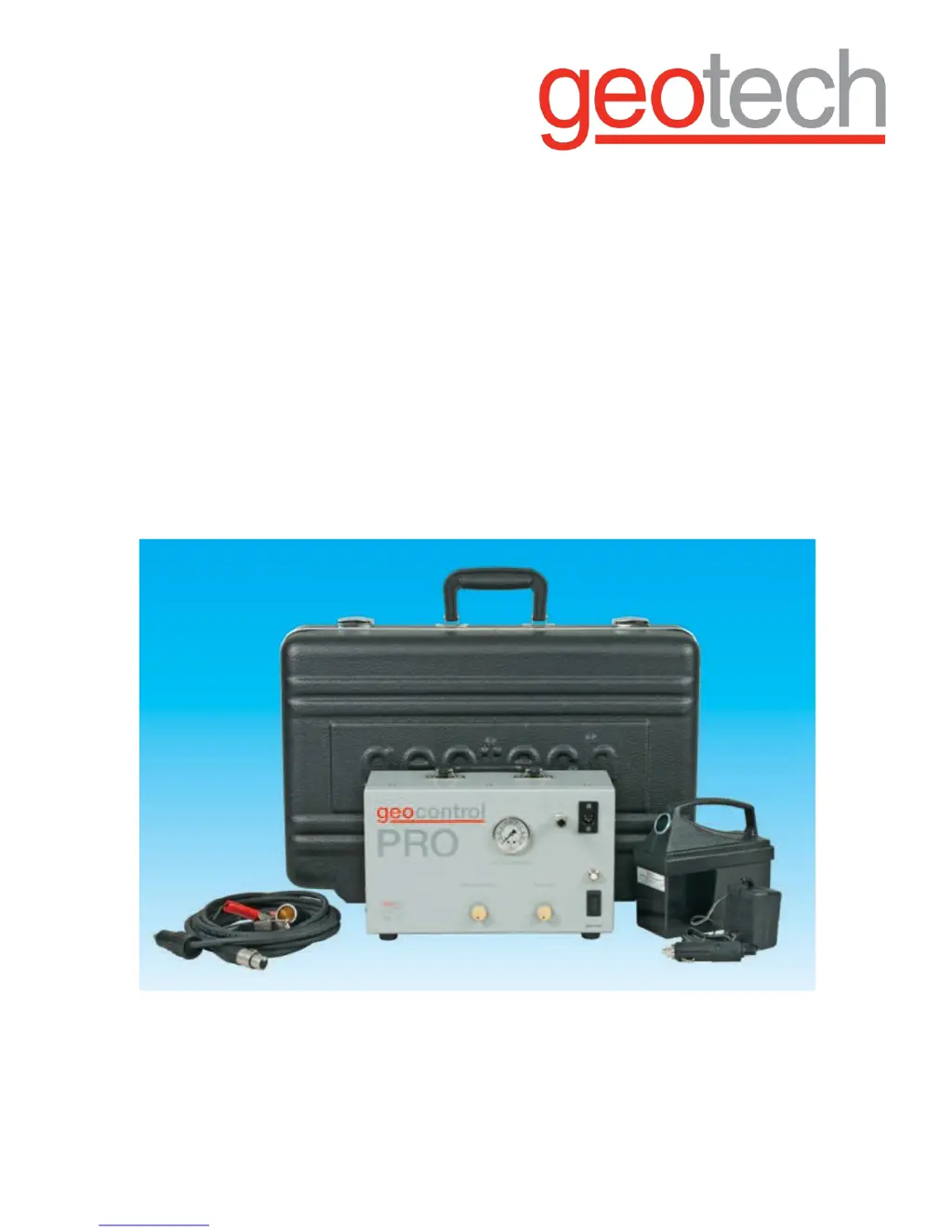
Geotech Geocontrol PRO - User Manual

Geotech Geocontrol PRO
24 pages
Print Icon
To Next Page IconTo Next Page
Loading...
Rev 10/27/2017 Part# 11150263
`
Geocontrol
PRO
Installation and Operation
M
a
nu
a
l

Questions and Answers

  • V
    vcoxAug 11, 2025
    What to do if the Geotech Geocontrol PRO Controller compressor does not turn on?
    • E
      Eric LarsonAug 11, 2025
      If the Geotech Controller compressor fails to start, there are several things to check: * Verify the battery polarity, ensuring that positive and negative cables are correctly connected to the 12V battery. * Try a hard reset by turning the power switch to the OFF position for two minutes. * If ambient temperatures exceed 104°F (40°C), disconnect the compressor and allow it to cool in a cooler environment. Do not open the case. * If the compressor still doesn't turn on, the electronic timer module may have failed. * Check the 15 Amp circuit breaker and reset it if it has tripped.
  • A
    Amanda RiveraAug 21, 2025
    What to do if the Geotech Geocontrol PRO Controller compressor turns on but no pressure is indicated?
    • J
      jameswilliamsAug 22, 2025
      If the compressor in your Geotech Controller is running and pumping fluid, but the pressure gauge shows no reading, the pressure gauge might be defective. You can continue operating the device even if the gauge isn't working.
  • C
    Catherine MosesAug 30, 2025
    What to do if fluid is not being pumped from Geotech Geocontrol PRO Controller and no pressure is indicated?
    • D
      Daniel PayneAug 31, 2025
      If your Geotech Controller's compressor turns on but no fluid is being pumped and there's no pressure indicated, try these steps: 1. Remove the air line from the front of the Geocontrol PRO and block the air outlet while the compressor runs to see if the pressure gauge needle moves. 2. If pressure builds at the air outlet, reattach the air line and block its end to test for pressure buildup. 3. If pressure builds at the end of the air line, connect the air line to the bladder pump. 4. If air continuously flows from the pump fluid discharge fitting, the bladder or its seal may be damaged and require repair or replacement.

Geotech Geocontrol PRO Specifications

General IconGeneral
ManufacturerGeotech
CategoryController
Input Voltage12-24V DC
Number of Channels8
Operating Temperature-20°C to +60°C
Protection ClassIP65
Communication InterfaceRS485