Job Information
20
2
Printing a Stored Message
If you wish to check the contents of a
fax that is stored in memory and has
not been sent yet, use this procedure
to print it out.
A
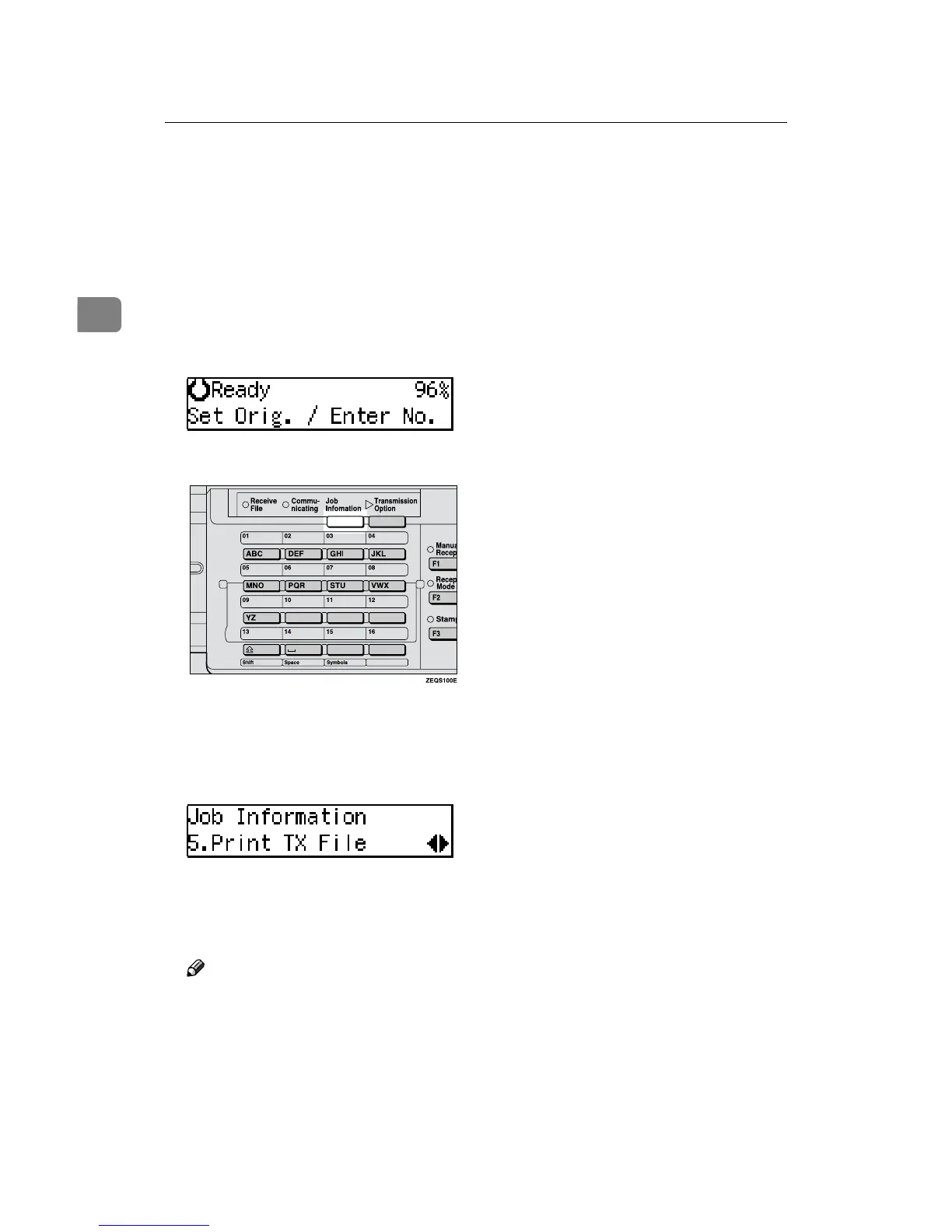
Make sure that the machine is in
Facsimile mode and the standby
display is shown.
B
Press the {
{{
{Job Information}
}}
} key.
The Information menu is shown.
C
Press 0
00
0 or 1
11
1 until "5. Print TX
File" is displayed and press the
{
{{
{OK}
}}
} key.
D
Display the file you want to print.
The registered name or fax number
appears on the lower line.
Note
❒ Enter the file number with the
number keys, or search using 0
or 1.
❒ If you make a mistake, press the
{Cancel} key and try again.
E
Press the {
{{
{OK}
}}
} key.
F
Press the {
{{
{Start}
}}
} key.
The document is printed and the
machine returns to standby dis-
play.



 To Next Page