Printing the Journal
21
2
Printing the Journal
The Journal contains information
about the last 100 communications
made by your machine. When auto-
matic communication report printing
is turned on, the Journal is printed au-
tomatically after every 50 communi-
cations (receptions + transmissions).
You can also print a copy of the Jour-
nal at any time by following the pro-
cedure below.
Note
❒ The sender's name column of the
Journal is useful when you need to
register a Specified Sender.
❒ If you do not want the Journal to be
printed automatically, you can
turn automatic printing off. See
P.72 “User Parameters” (switch 03,
bit 7).
A
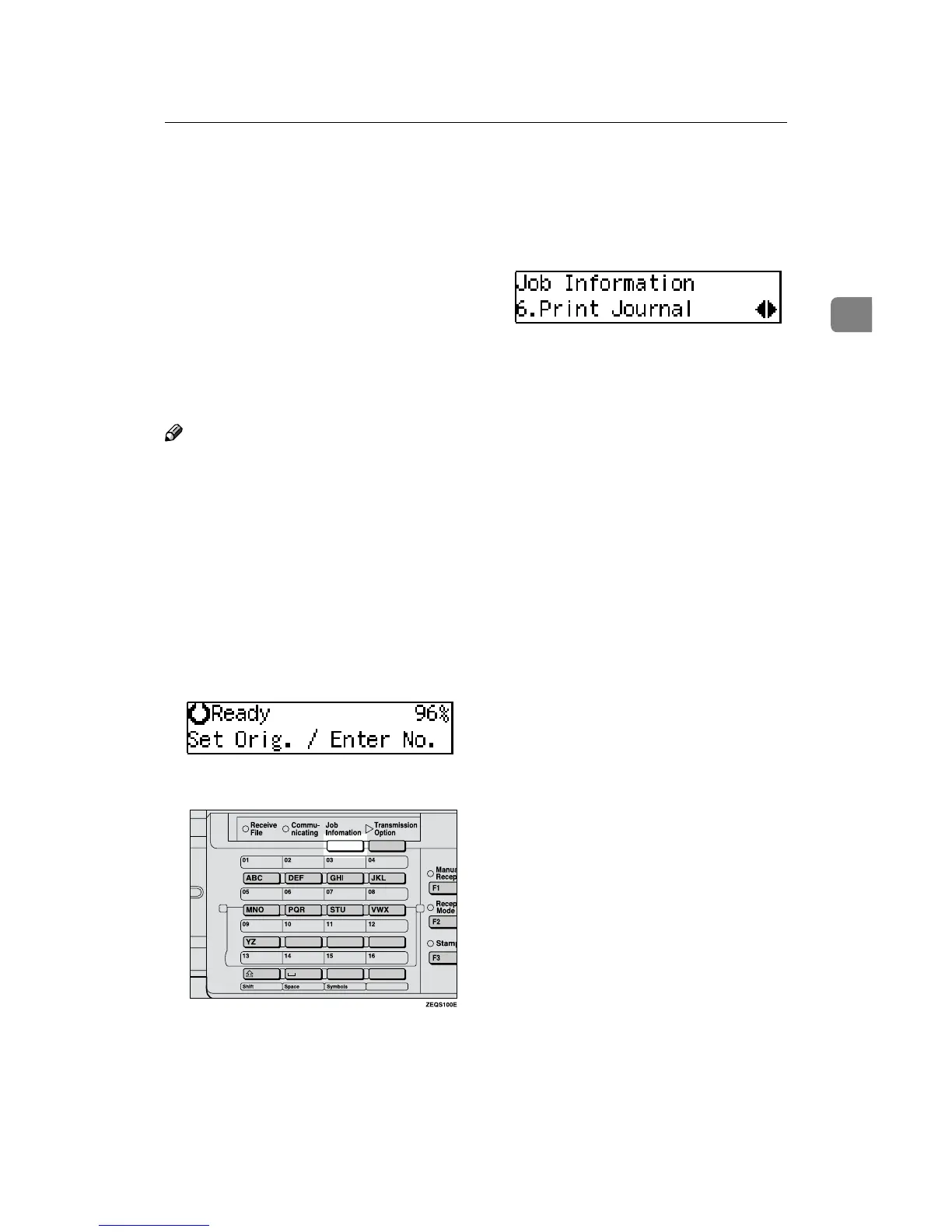
Make sure that the machine is in
Facsimile mode and the standby
display is shown.
B
Press the {
{{
{Job Information}
}}
} key.
C
Press 0
00
0 or 1
11
1 until "6. Print Jour-
nal" is displayed.
D
Press the {
{{
{OK}
}}
} key.
E
Press the {
{{
{Start}
}}
} key.
The report is printed and the ma-
chine returns to standby display.



 To Next Page