Job Information
22
2
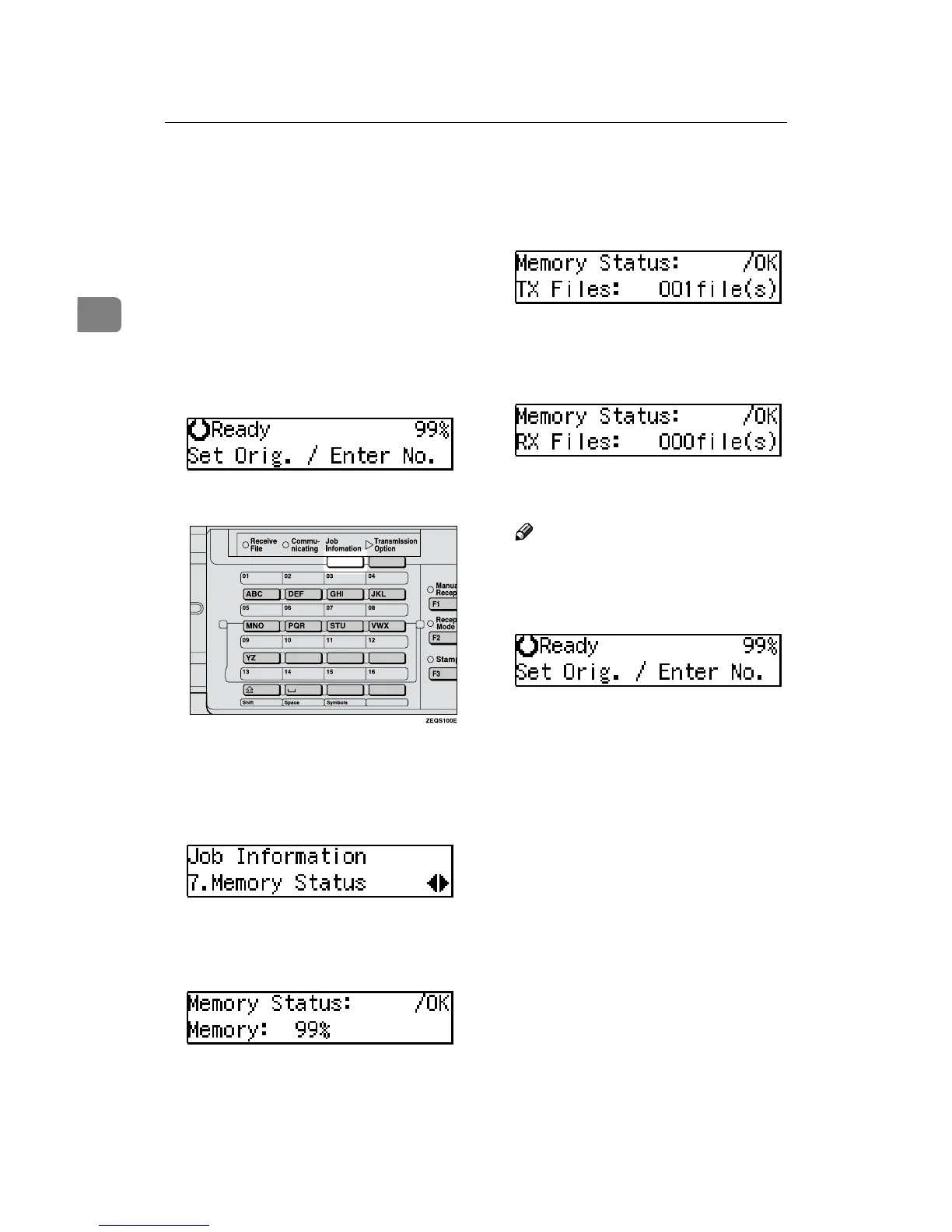
Displaying the Memory Status
Use this function to display a summa-
ry of current memory usage. Items
shown are the percentage of free
memory space, the number of files to
be sent, and the number of received
messages to be printed.
A
Make sure that the machine is in
Facsimile mode and the standby
display is shown.
B
Press the {
{{
{Job Information}
}}
} key.
The Information menu is shown.
C
Press 0
00
0 or 1
11
1 until "7. Memory
Status" is displayed and press the
{
{{
{OK}
}}
} key.
D
The usage is displayed. When
you have finished, press the
{
{{
{OK}
}}
} key.
E
Press the {
{{
{OK}
}}
} key.
The number of files to be sent is
displayed.
F
Press the {
{{
{OK}
}}
} key.
The number of received files is dis-
played.
Note
❒ Memory can hold up to about
160 pages.
G
Press the {
{{
{OK}
}}
} key.
The machine returns to standby
display.



 To Next Page