Printing Reports/Lists
49
5
Printing Reports/Lists
This function allows you to print the
following reports and lists manually.
Select a report or list as needed.
• Journal
See P.21 “Printing the Journal”.
•TX File List
See P.19 “Printing a List of Files in
Memory (Print TX File List)”.
• Quick Dial list
See Chapter 3 “Quick Dial” in the
Basic Features manual.
• Speed Dial list
See Chapter 3 “Speed Dial” in the
Basic Features manual.
• Group Dial list
See Chapter 3 “Groups” in the Ba-
sic Features manual.
A
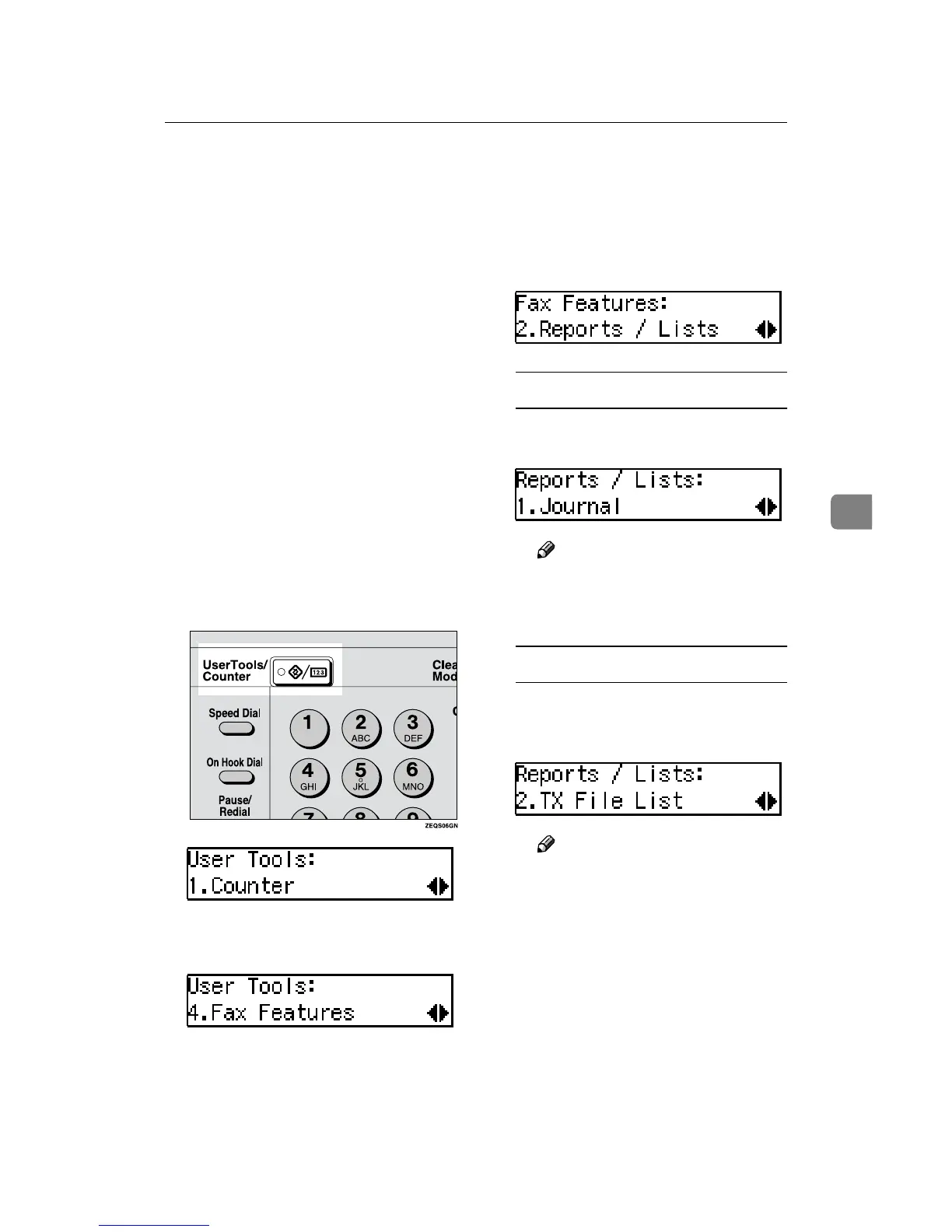
Press the {
{{
{User Tools}
}}
} key.
B
Press 0
00
0 or 1
11
1 until "4. Fax Fea-
tures" is displayed.
C
Press the {
{{
{OK}
}}
} key.
D
Press 0
00
0 or 1
11
1 until "2. Reports /
Lists" is displayed and press the
{
{{
{OK}
}}
} key.
Printing the Journal
A Confirm that "1. Journal" is dis-
played and press the {
{{
{OK}
}}
} key.
Note
❒ If you make a mistake, press
the {Cancel} key and try
again.
Printing a TX File List
A Press 0
00
0 or 1
11
1 until "2. TX File
List" is displayed and press the
{
{{
{OK}
}}
} key.
Note
❒ If you make a mistake, press
the {Cancel} key and try
again.


 To Next Page
 Loading...
