Facsimile User Tools
50
5
Printing the Quick Dial List
A Press 0
00
0 or 1
11
1 until "3. Dial
List" is displayed and press the
{
{{
{OK}
}}
} key.
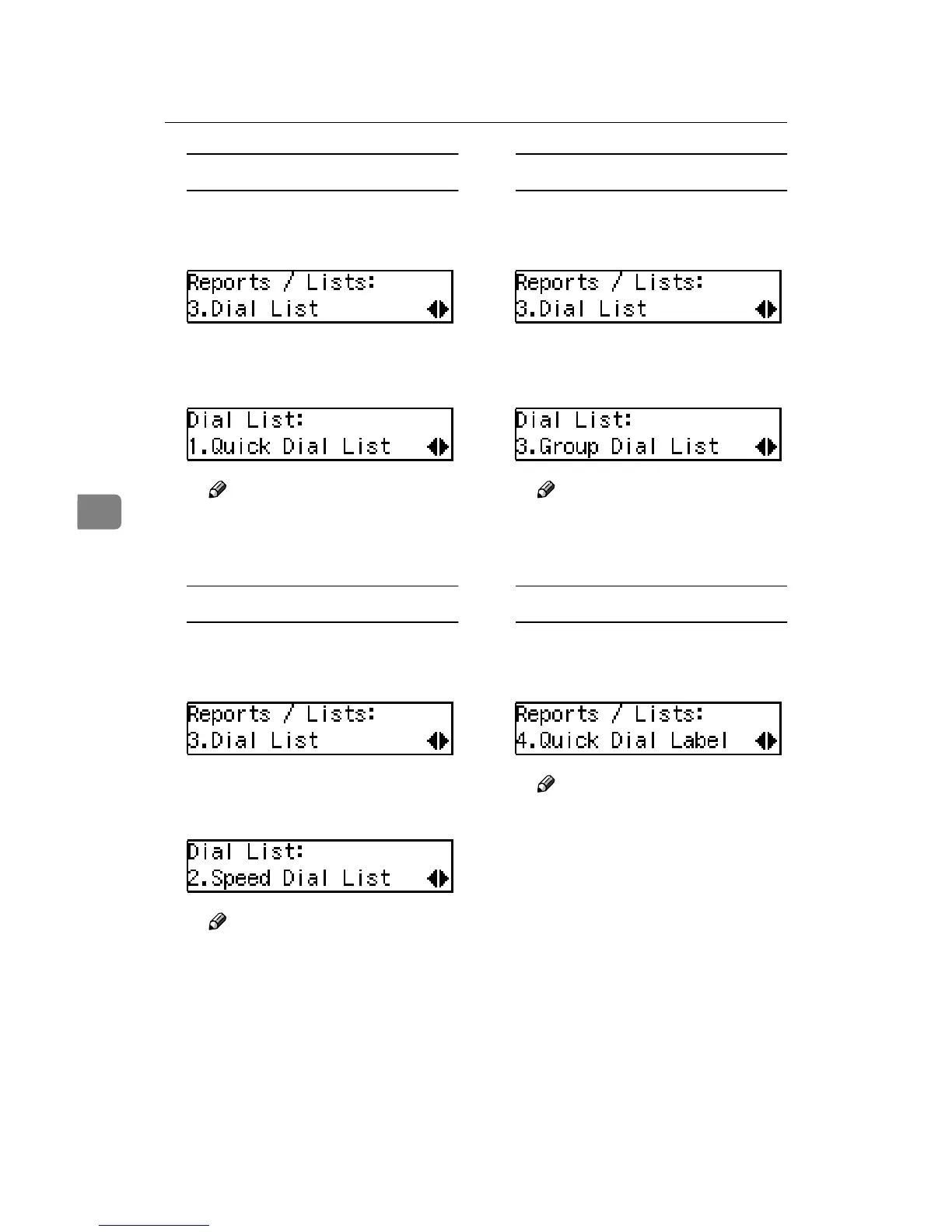
B Confirm that "1. Quick Dial
List" is displayed and press the
{
{{
{OK}
}}
} key.
Note
❒ If you make a mistake, press
the {Cancel} key and try
again.
Printing the Speed Dial List
A Press 0
00
0 or 1
11
1 until "3. Dial
List" is displayed and press the
{
{{
{OK}
}}
} key.
B Press 0
00
0 or 1
11
1 until "2. Speed
Dial List" is displayed and
press the {
{{
{OK}
}}
} key.
Note
❒ If you make a mistake, press
the {Cancel} key and try
again.
Printing the Group Dial List
A Press 0
00
0 or 1
11
1 until "3. Dial
List" is displayed and press the
{
{{
{OK}
}}
} key.
B Press 0
00
0 or 1
11
1 until "3. Group
Dial List" is displayed and
press the {
{{
{OK}
}}
} key.
Note
❒ If you make a mistake, press
the {Cancel} key and try
again.
Printing the Quick Dial Label
A Press 0
00
0 or 1
11
1 until "4. Quick
Dial Label" is displayed and
press the {
{{
{OK}
}}
} key.
Note
❒ If you make a mistake, press
the {Cancel} key and try
again.
E
Press the {
{{
{Start}
}}
} key.
F
Press the {
{{
{User Tools}
}}
} key.
The machine returns to standby
display.


 To Next Page
 Loading...
