Chapter 5 Parameters
VFD-E Series
5-26 Revision August 2006, 01EE, SW--PW V1.03/CTL V2.03
00.09
Password Set Unit: 1
Settings 0 to 9999 Factory Setting: 0
Display 0 No password set or successful input in Pr. 00.08
1 Password has been set
To set a password to protect your parameter settings.
If the display shows 0, no password is set or password has been correctly entered in Pr.00.08.
All parameters can then be changed, including Pr.00.09.
The first time you can set a password directly. After successful setting of password the
display will show 1.
Be sure to record the password for later use.
To cancel the parameter lock, set the parameter to 0 after inputting correct password into Pr.
00.08.
The password consists of min. 1 digits and max. 4 digits.
How to make the password valid again after decoding by Pr.00.08:
Method 1: Re-input original password into Pr.00.09 (Or you can enter a new password if you
want to use a changed or new one).
Method 2: After rebooting, password function will be recovered.
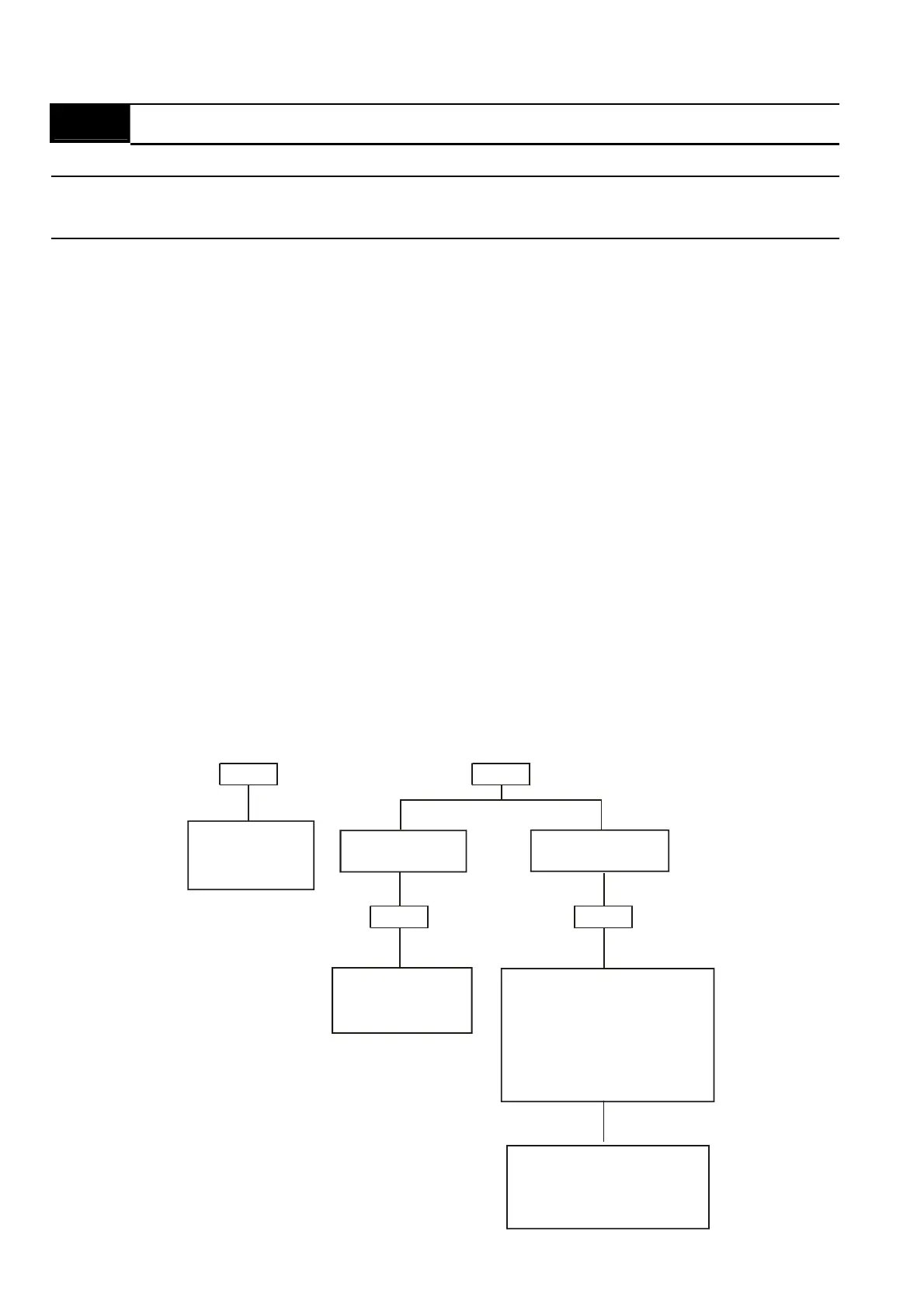
Password Decode Flow Chart
3 chances to enter the correct
password.
1st time displays "1" if
password is incorrect.
2nd time displays "2", if
password is incorrect.
3rd time displays " code"
(blinking)
If the password was entered
incorrectly after three tries,
the keypad will be locked.
Turn the power OFF/ON to
re-enter the password.
Incorrect Password
END
Displays 0 when
entering correct
password into
Pr.00.08.
00.09
00.08
00.08
Displays 0 when
entering correct
password into
Pr.00.08.
Correct Password
END
00.09


 To Next Page
 Loading...