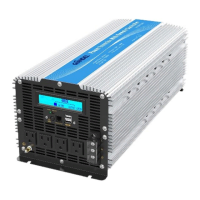
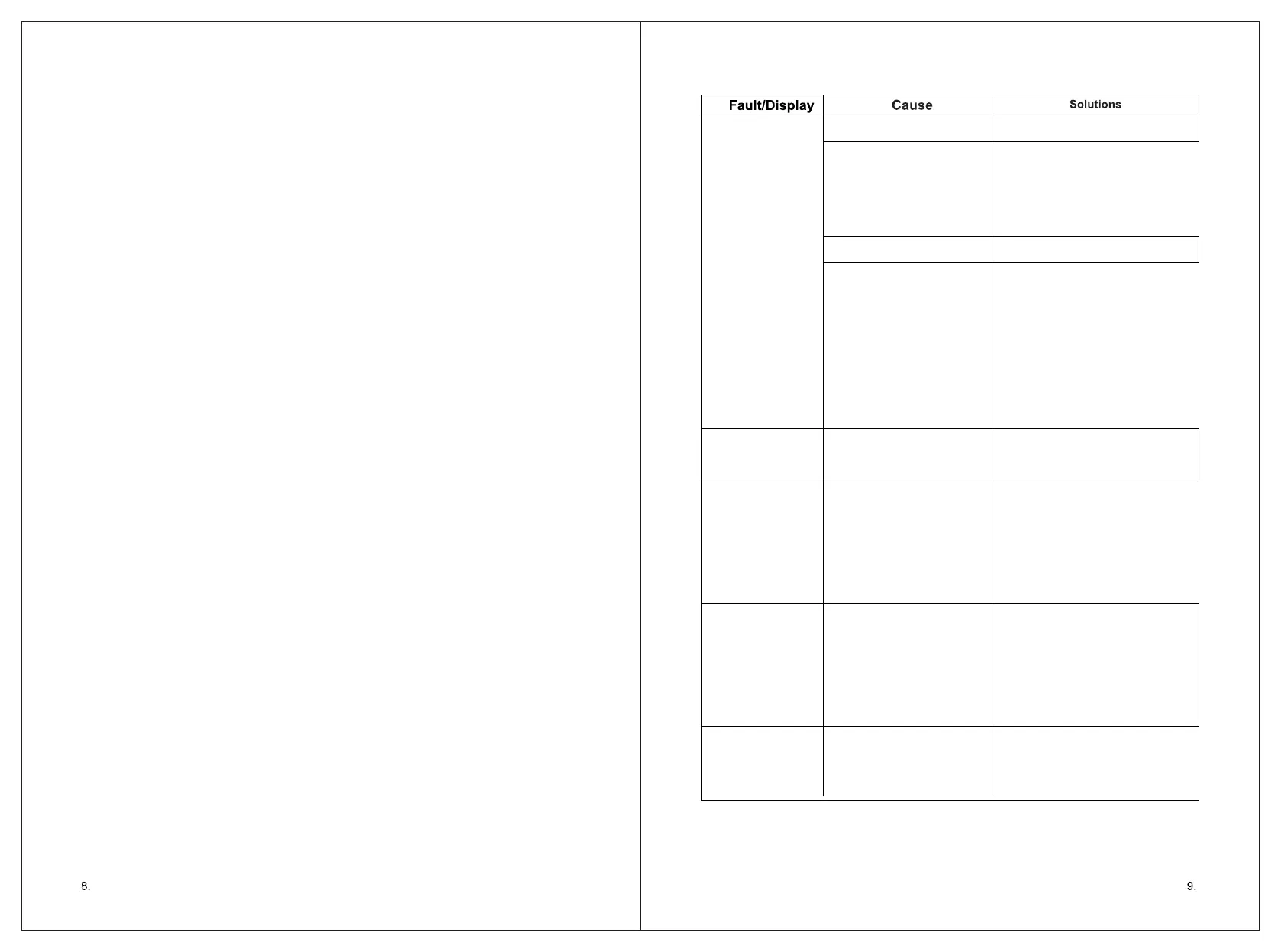
No output voltage,
buzzer whistles
continuously
Low input DC voltage
High input DC voltage
Overload
Over temperature
1. The switch is off.
2. The battery lead doesn't
connect well.
Disturbance
Recharge or replace the battery.
1. Turn on the power switch.
2. Check the joint and make sure
it's well connected.
1. Separate the inverter and antenna.
2. Use screened antenna
No output voltage
Incorrect output
voltage
Cannot drive the
load
Snowflakes on the
screen or noise of
the audio
1. Load power is too large, or
the actual power of the
appliance exceeds nominal
power.
2. T he sta r ting po wer of
appliance is larger than the
rated power(such as motor)
1. Do not use it when the battery
is charging.
2. Check the rated voltage of the
battery and make sure that it is
in the allowable range of the
input voltage.
1. Cut off the load and keep it cool
naturally for 10 to 30 minutes.
Restart it after it resumes to
normal temperature.
2. The load power is too large and
reduces the total load power to
the range of rated power.
3. Avoid blocking the vent and
improve the ventilation
condition.
4. Reduce the ambient
temperature.
Reduce the load power.
1. Use the true RMS multimeter
to measure, such as the model
FLUKE 177/179.
2. Try to maintain the input
voltage in the range of rated
power
3. Change the battery of the
multimeter then test again.
Reduce the load power, or
open the appliance first, then
open the inverter, The inverter
internal soft-start circuit to buffer
start the appliances.
12. FAILURE GUIDELINES
1. RMS Multimeter
measurement error
2. The battery power of RMS
Multimeter is low
3. The input voltage is too
high or too low
10. Work Instructions
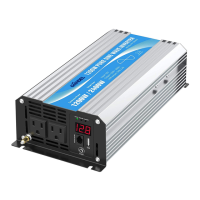
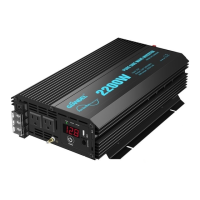
When the inverter is in work condition, the input voltage and output power will be
shown on the digita l display scr een by tur ns. Likewi se, when the inv erter goes into
protection , cor responding le tters will be also shown on the s creen. Diffe rent letters
mean the inverter is in different protection conditions.
1. When the input (V) LED is on, the current input voltage is shown.
2. When the output (KW) LED is on, the current output power(KW)is shown.
3. When the output (W) LED is on, the current output power(W)is shown.
4. LO means the inverter is in under voltage protection.
5. HI means the inverter is in over voltage protection.
6. OL means the inverter is in overload protection or short-circuits protection.
7. OH means the inverter is in OVER HEAT protection.
11. Protection Function
1 . I n p u t u n d e r - v o l t a g e a l a r m : W h e n t h e i n p u t D C v o l t a g e i s l o w e r t h a n 9 . 8 V
/19.6V/39.2V, the buzzer will whistle intermittently to remind that the inverter will go
into the under voltage protection. Pay attention to save the data if you are usi ng
computer.
2. Under voltage protection: The inverter will automatically shut down when the input
DC voltage is lower than 9.5V/19V/38V. The buzzer will whistle continuously and the
digi t al dis p lay sc reen w i ll sho w LO. P lease t urn o ff th e inve r ter an d use i t aft e r
recharging the battery.
3. Over voltage protection: The inverter will automatically shut down when the input
DC voltage is higher than 16V/32V/62V. The buzzer will whistle continuously and the
digital display screen will show HI. Please turn off the inverter and adjust the input
voltage to the admissible range.
4. Overload protection: The inverter will automatically shut down when the load power
is higher than the rated power. The buzzer will whistle continuously and the digital
display screen will show OL. Turn off the inverter and resume to normal operation
after taking away the redundant load.
5. Short-circuit protection: The AC output will be automatically shut down when short
circuit. And the digital display screen shows OL. It will automatically restored after
the problem solved.
6. Thermal protection: The unit will be calorific during operation. If the temperature is
hig her tha n 65 , the inve rter will auto matical ly shut down. Th en the buzzer will ℃
whistle continuously and the digital display screen shows OH. Please turn off the
inverter, and continue using it after the temperature goes back to normal temperature
natu r ally. Mea n while find o ut th e fact o rs ca using t he fa ult, s uch as vent i lation ,
ambient temperature, ve nt, load power and so on. It can avoid the similar thin gs
happen again.
If the unit still doesn't work normally after using all the methods above, it maybe
the internal faults of the circuit. Please return it to the supplier for maintenance.


 To Previous Page
 Loading...