7
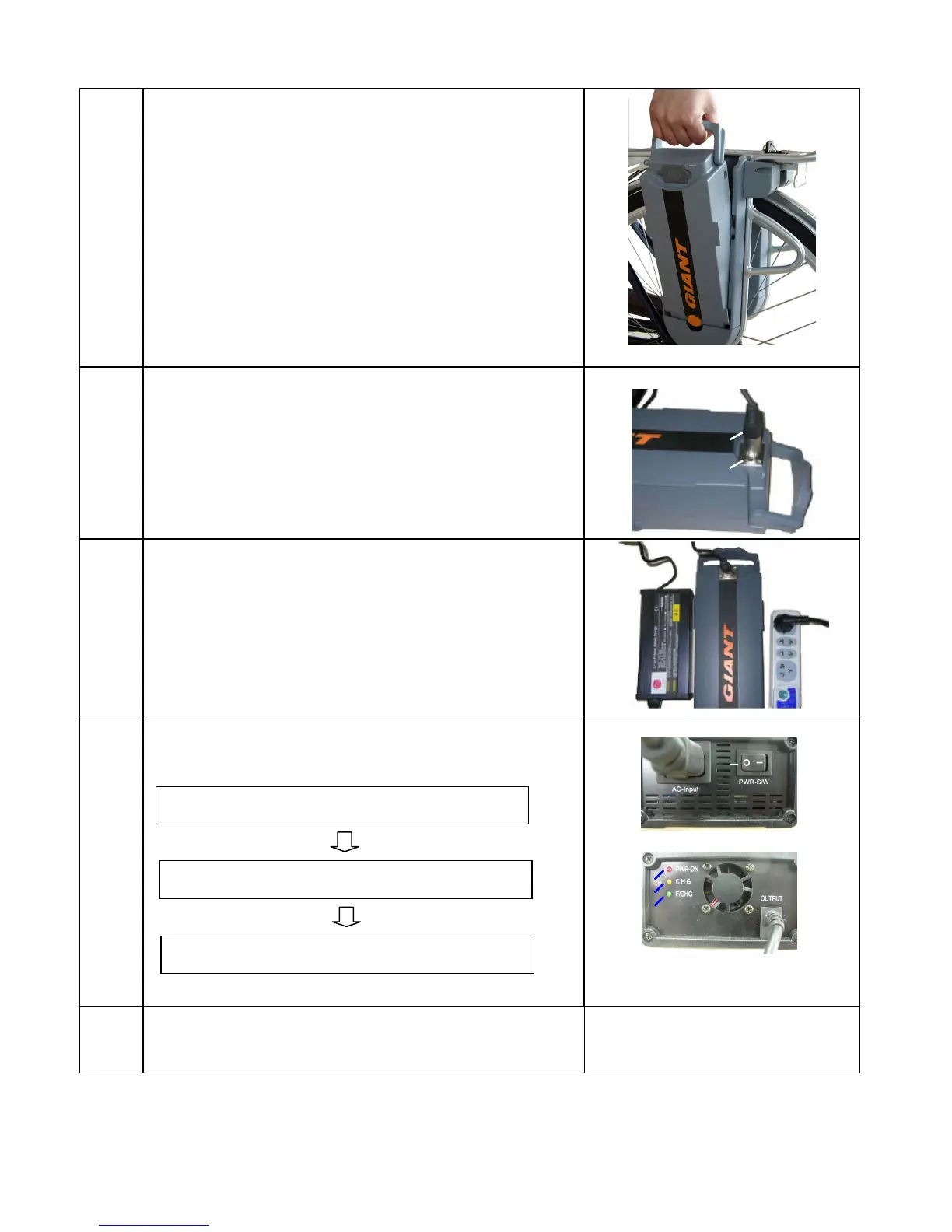
Step 3 Lift the battery pack out of its holder.
Step 5
Place the battery in a horizontal position and then insert the Twist
1.0’s charger plug into the battery’s charging socket.
Step 6
Connect the power source plug into an electric outlet (AC 110~240
volts) and make sure that all poles are fully inserted into the socket.
Caution:
Keep the area where the battery is charged well ventilated and free
from litter or anything else combustible to avoid fire from sparks or
overheating
Step 7
Step 8
Disconnect the battery from the charger, after the charge is
completed.
Charger plug
Battery’s charging
• Turn on the power switch on the charger. ( Twist 1.0 )
• Confirm that LED lamp of the charger lights up as follows:
RED light (power on)
YELLOW light continuously (charging)
Green light (charging completed)
After approx. 4~5 hours
Power
Switch
Red
During charging, charger indicators light up and shows
the present state of charge.
Green




 To Next Page