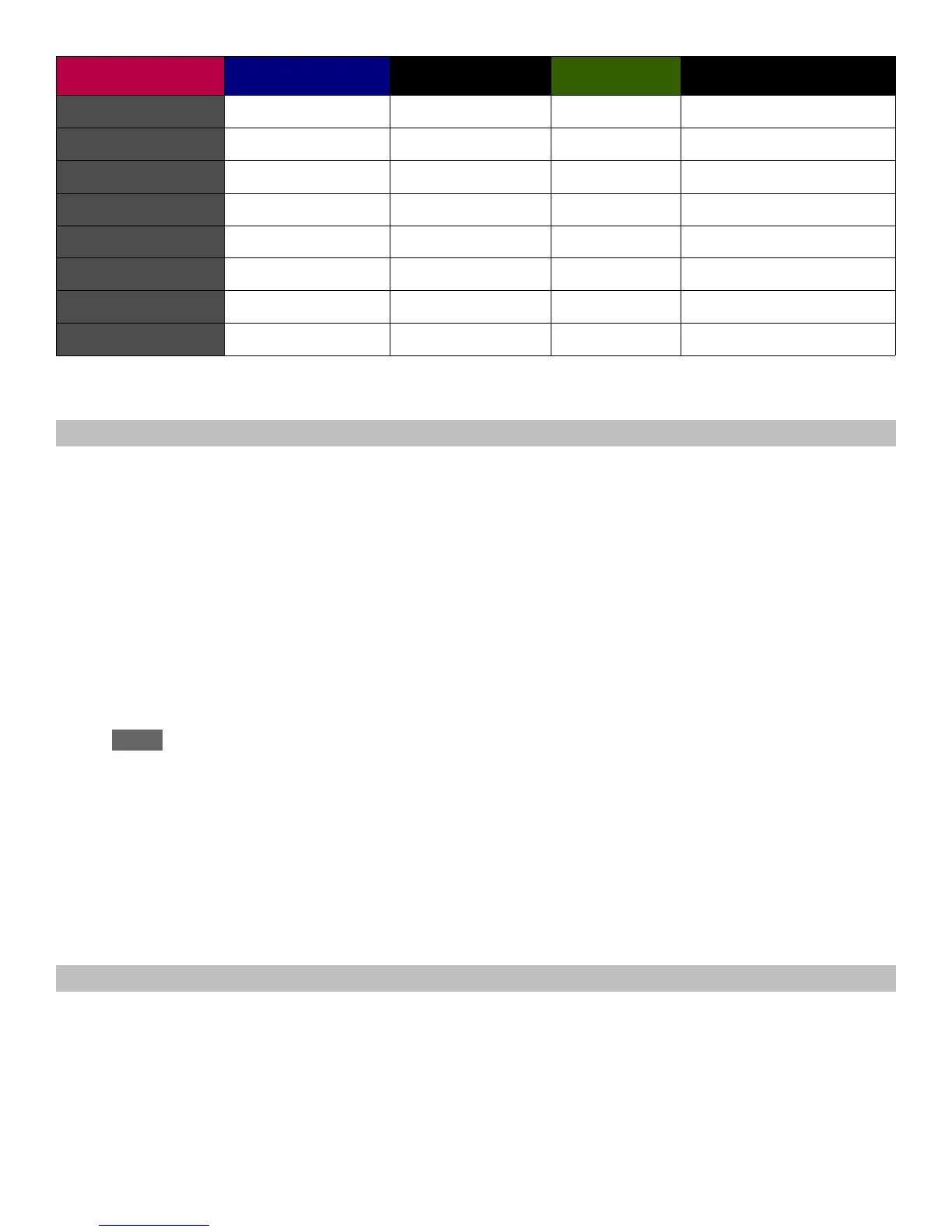
String LED Tone Burstbucker P90H Phase with both on
* out of phase ** in parallel
MCK Coil Switching Symbols
When you rotate the MCK to the C position to enter Chameleon mode, the MCK shows how the coils
are set for the currently-selected sound.
The Burstbucker pickup symbols appear at the bottom of the MCK (i.e., closest to the Guitar and
Pickup symbols), while the P90H symbols appear toward the top of the MCK. Each pickup is
represented by two lines (one for each coil). The north coil is the upper line, and the south coil is the
lower line.
A line's color indicates the status of the associated coil:
Green = switched on
Red = switched off
White = out of phase
Blue = parallel
Note that just because different Chameleon tones have the same coil wirings doesn't mean they
sound the same. For example, although Gibson Classic, Blues, and L5 have the same coil wirings,
the EQ settings for for the magnetic pickups (blue Pickup symbol turned on) are different and shade
the tones differently. Sometimes these differences are more obvious when you set the pickup toggle
switch to the P90H or Burstbucker position, and of course, turning the Piezo pickup output all the way
down makes it easier to hear any differences in the magnetic pickup sounds.
Changing Piezo and Pickup Functions
1. Before or after choosing a Chameleon Tone, or when Dark Fire is not in Chameleon Tone
select mode (but before storing the Tone or exiting Chameleon mode), you can choose
different magnetic and Piezo pickup options. Note: If you make these changes after choosing
a Chameleon Tone, when you rotate the MCK to select the Peg or | LED, rotate rapidly past
the String LEDs—if you pause on a String LED, the associated sound will load into memory.
Gibson Dark Fire 4.0 manual, page 14



 To Next Page