- 12 -
Gaming Monitor User Guide
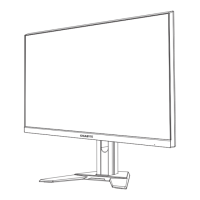
4. Lift the monitor to an upright position and place it on a table.
5. Remove the small block of EPS foam located in between the rear of
the screen and the stand. Then remove the safety plate from its slot.
Note: By removing the safety plate, you can now adjust the screen to the
desired height.
1
2


 To Next Page