Verkkolaite ja Ethernet-johto
Plug-in power supply and
Ethernet cable
Cameran rekisteröinti
Registration of Camera
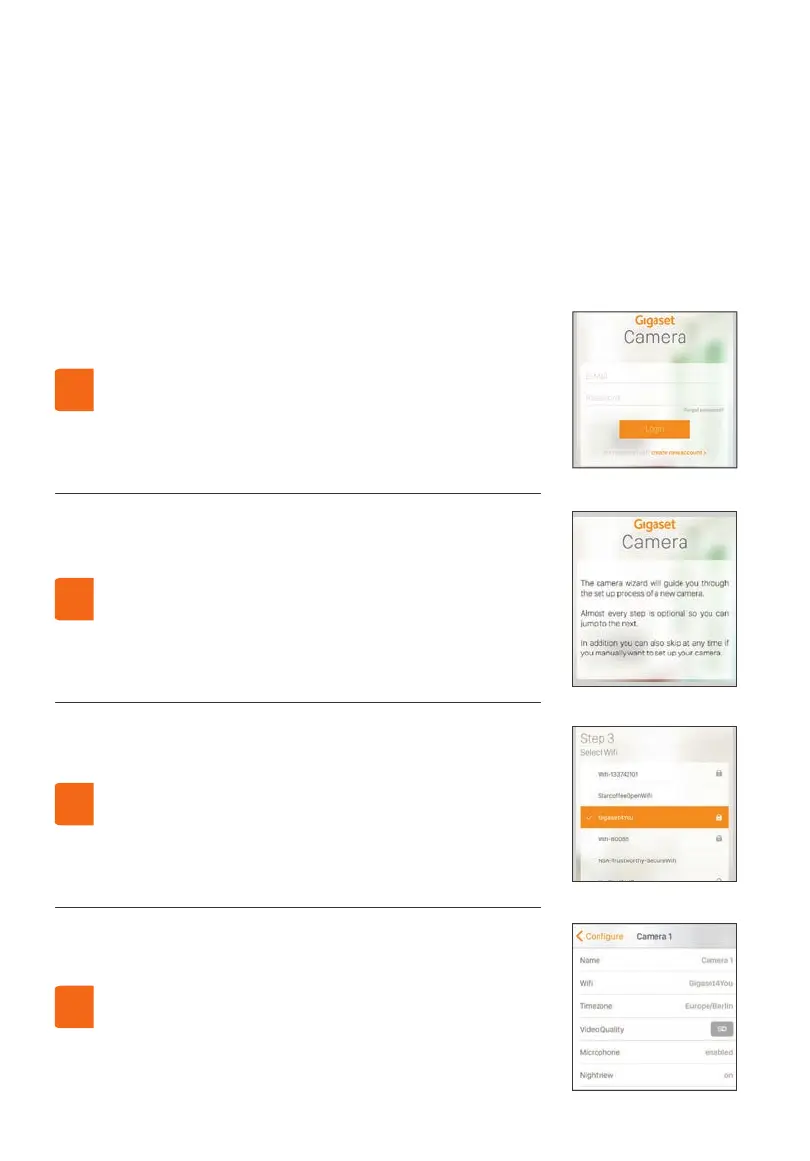
Suorita kaikki asennusapurin vaiheet. Osa asetuksista
on valinnaisia(WLAN) ja ne voidaan ohittaa.
Follow the wizard through all settings. Some settings
are optional and can be skipped (i.e. WiFi).
3.
Jos olet jo Gigaset Cloud -käyttäjä, sinun tarvitsee vain
kirjautua sisään palveluun.
Muussa tapauksessa seuraa rekisteröintiohjeita.
If you are a Gigaset Cloud user, please log in.
Otherwise, please register.
1.
Jos haluat tehdä muutoksia jälkeenpäin, valitse
con guration.
To make any changes in the setup, go to the
con guration page.
4.
Kun olet liittänyt Ethernet- ja virtajohdon,
seuraa asennusapurin ohjeita.
After installing the ethernet cable and power supply,
please follow the wizard.
2.
Lataa Gigaset Camera -ohjelma App Storesta tai Google Playsta.
Download the Gigaset Camera App from App Store or Google Play.



 To Next Page