Need help?
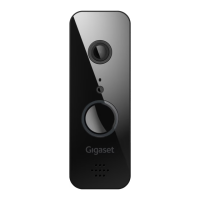
Do you have a question about the Gigaset Smart Doorbell and is the answer not in the manual?
Ensure the doorbell has a good internet connection (min. 2 Mbit upload).
Confirm you are using a mechanical 8 to 24 V bell.
Ensure no live cables are present at the mounting location.
Verify your router supports 2.4 GHz.
Launch the app, click "Elements", add "+", select "smart camera > Doorbell", and follow instructions.
Disable "Intelligent network" to connect to the "Gigaset" network for setup.
Reach support directly from the app or at www.gigaset.com/support.
 General
| Brand | Gigaset |
|---|---|
| Model | Smart Doorbell |
| Category | Accessories |
| Language | English |

 To Next Page