2
Package contents
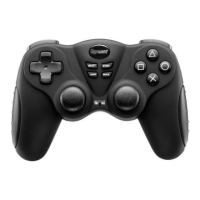
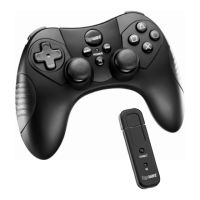
• WirelessController • Receiver
• User’sGuide • QuickStart
Features
• 4-channelreceivercommunicateswithcontrollerup
to30feetaway.
• PSbuttonletsyouplayPS2gamesonbackward-
compatiblePS3consoles.
• CompatiblewithWindows
®
98SE,WindowsME,
Windows2000,WindowsXPandWindowsVista™.
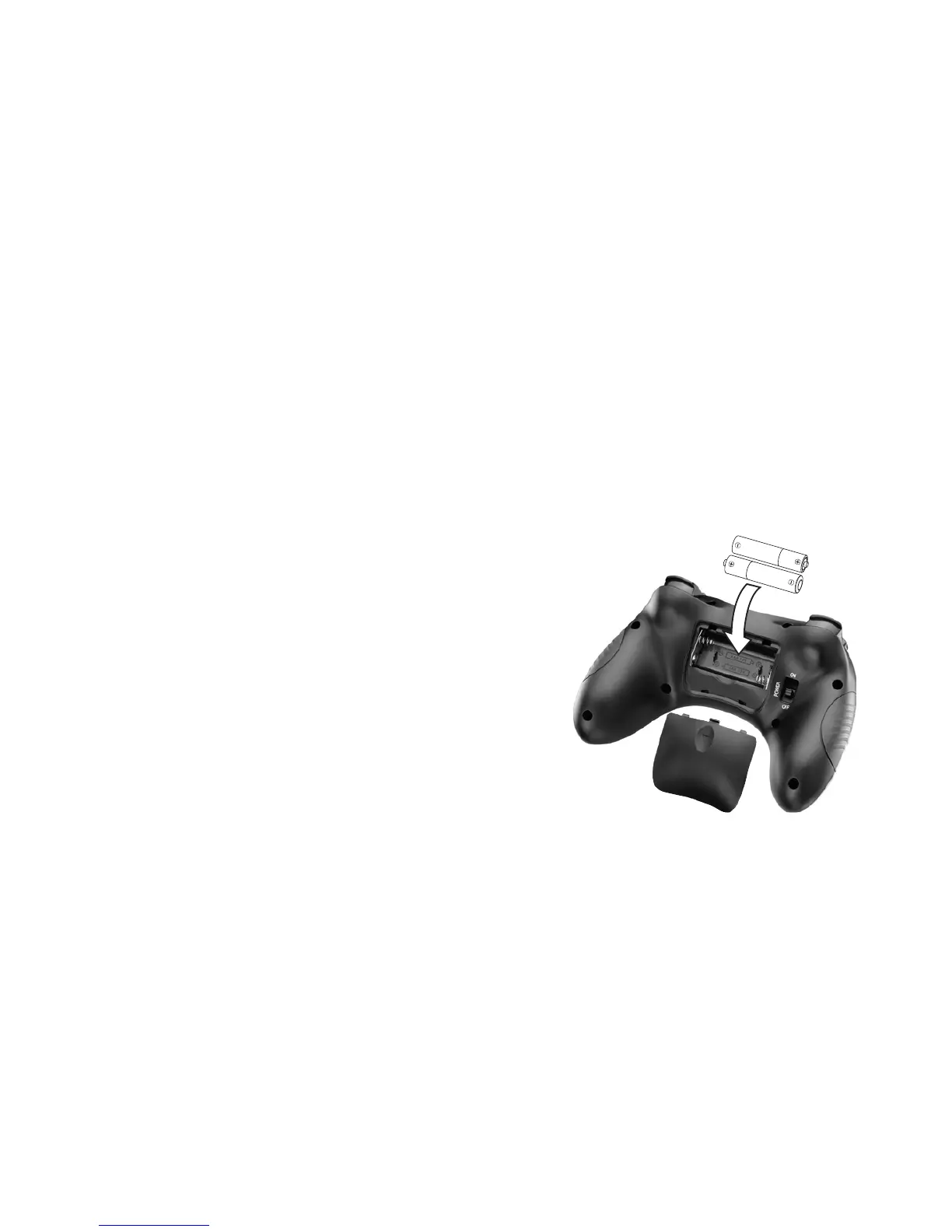
Install batteries
1.Openthebatterycompartmentcover.
2. Insert2AAAbatteries(not
included),matchingthepolarity
(+and–)markedinside.
3.Replacethebatterycover.
b Battery Notes:
• Disposeofbatteriespromptly
andproperly.Donotburnorburythem.
• Useonlyfreshbatteriesoftherequiredsizeandtype.
• Donotmixoldandnewbatteries,differenttypesof
batteries(alkaline,orrechargeable),orrechargeable
batteriesofdifferentcapacities.
• Ifyoudonotplantousethecontrollerforafew
weeks,removethebattery.Batteriescanleak
chemicalsthatcandamageelectronicparts.
A
A
A
AAA


 To Next Page