Need help?
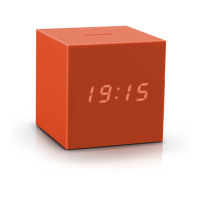
Do you have a question about the GINGKO Cube Plus and is the answer not in the manual?
Lists the items included in the product package: clock, USB cable, and manual.
Guides on fully charging the clock before first use via USB, indicating charging status.
Details the functions of long and short touches for controlling the clock.
Step-by-step instructions for setting the hours and minutes on the clock.
How to set alarm times and select preferred alarm sounds from a list.
Instructions for switching between sound-activated and permanent LED display modes.
Guides on changing the clock's time format between 12-hour and 24-hour display.
How to use the built-in stopwatch and timer features of the clock.
Instructions for activating and switching to the vertical clock display mode.
How to snooze alarms, turn them off completely, or reactivate them for the next day.
Explains how to use the clock's flip functionality to access different modes and turn off the alarm.
Provides guidelines for caring for the wooden clock and avoiding damage.
Details the one-year manufacturer warranty and circumstances not covered.

 To Next Page
 General