11
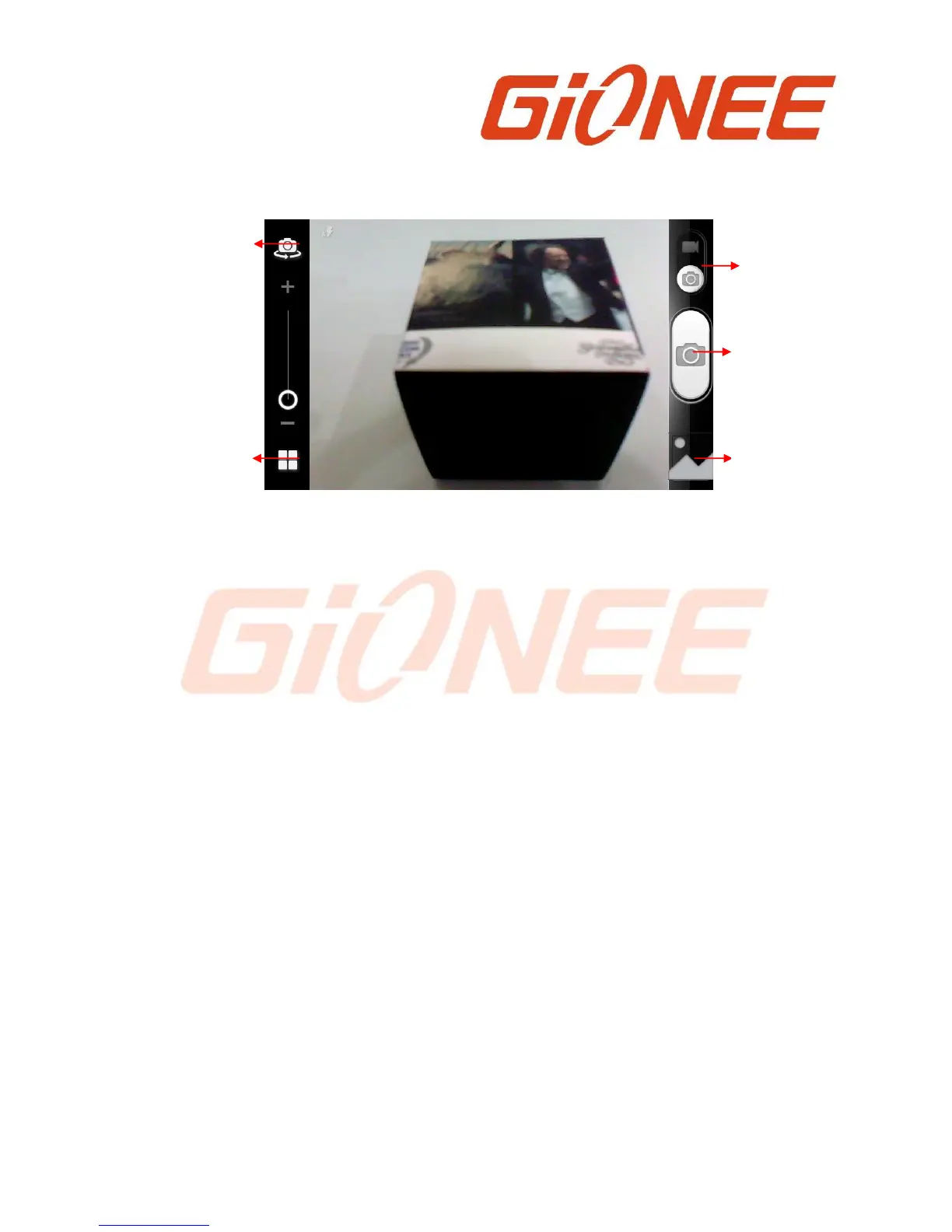
● Adjust your exposure and other settings if you wish. Or leave them on automatic.
● Frame your subject on screen.
● Touch the Shutter icon on screen.
6.1.2 To shoot a video
● Adjust the quality and other settings if you wish. Or leave them on automatic.
● Point the lens to frame the scene where you want to start.
● Touch the Start Video icon. Camera starts shooting the video.
● Touch Stop video icon to stop shooting. An image from your most recent video is
displayed as a thumbnail at the bottom Left
6.2 View albums
Touch the Gallery icon in the Launcher to view albums of your pictures and videos. Gallery
presents the pictures and videos on your SD card and the phone, including those you’ve
taken with Camera and those you downloaded from the web or other applications..
You can do the following operations:
● To share pictures: you can share your pictures through MMS, Bluetooth, and so on.
● To delete pictures: You can delete the pictures you are viewing.
● To get details about the picture: You can view more details about the picture.
6.3 Music
You use Music to organize and listen to music and other audio files that you transfer to
your SD card from your computer.



 To Next Page