9
To enter text
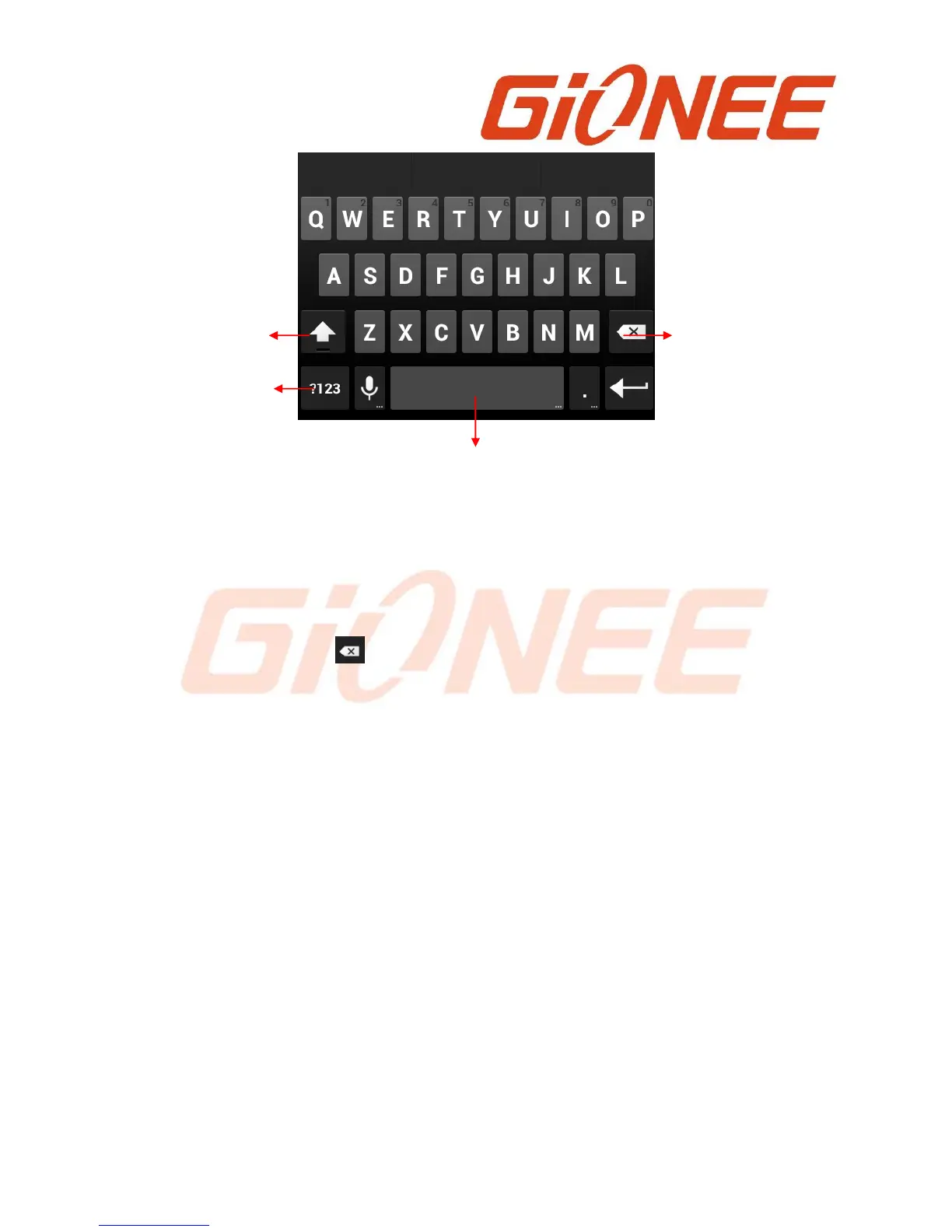
Touch a text field, the onscreen keyboard opens.
Touch the keys on the keyboard to type; the characters you’ve entered appear in a
strip above the keyboard. With suggestions for the word you are typing to the right.
Press space or a punctuation mark to enter the highlighted suggested word.
Use the Delete key to erase characters to the left of the cursor.
When you’re finished typing, Press Back to close the keyboard.
5. Communication
5.1 Make a call
● Touch the phone icon on the Home screen or if you’re already working with Contacts,
touch the Phone tab.
● Enter the phone number you want to dial;
● Touch the phone icon to dial the number that you entered. You can select voice call or
Video call.



 To Next Page