02
01
11
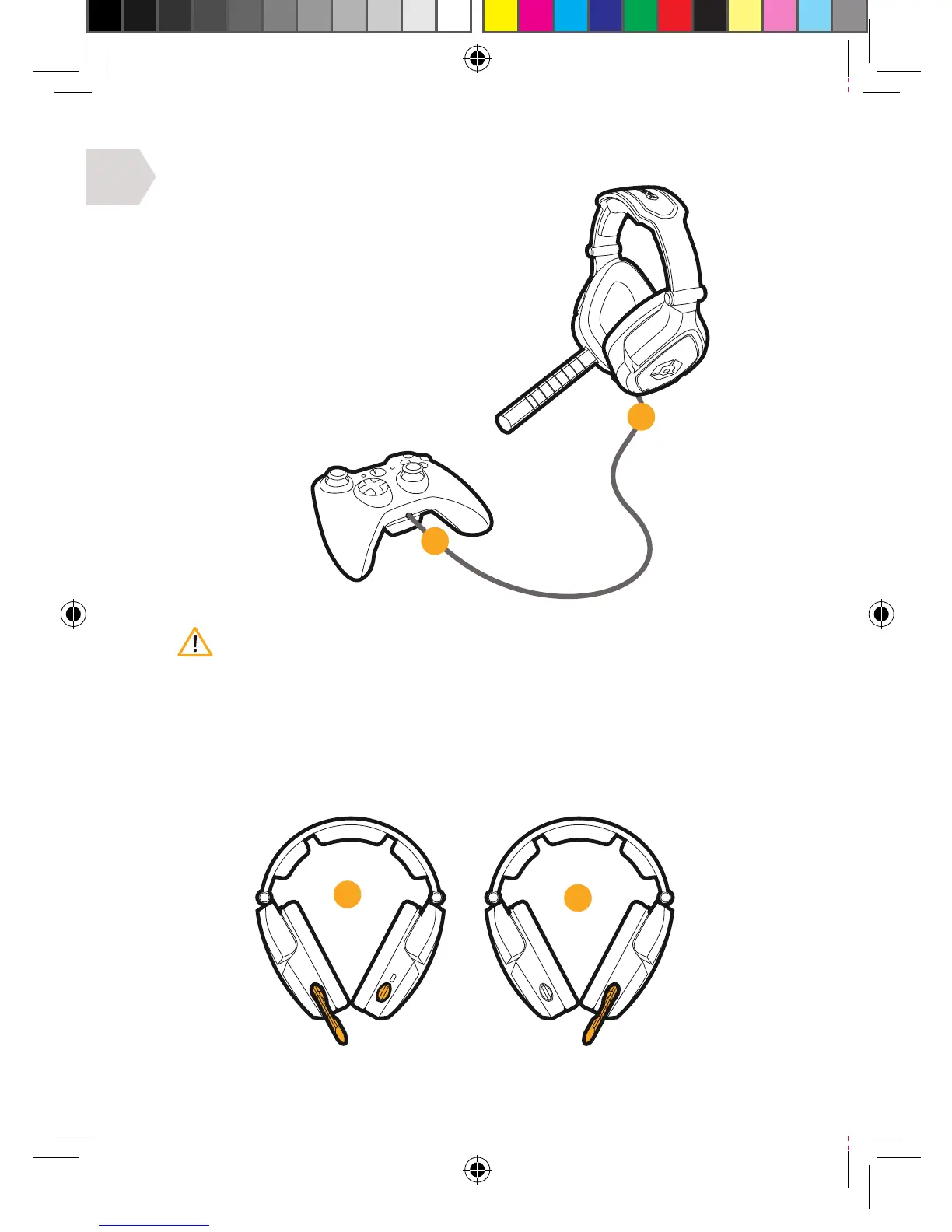
XBOX LIVE : CHAT SET UP
1] Connect the mini jack cable between
your headset and Xbox controller.
2] Go to Settings > Preferences > Voice.
Voice Output: Play through Headset.
3] Set the desired volume for Game Sound
and Voice. (You should now hear sound
from your console through your headset.)
4] To test the microphone go to messages
then record and play back a message.
MICROPHONE ADJUSTMENT
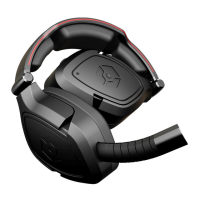
Remove the Mic boom and place it on your preferred side. Then replace
the cover on the exposed side to avoid any dust or dirt build up.
It is important to do this in the correct order to ensure that the console
connects to the headset’s microphone.
02
01


 To Next Page