@Shenzhen GJS Technology Co., Ltd.
22
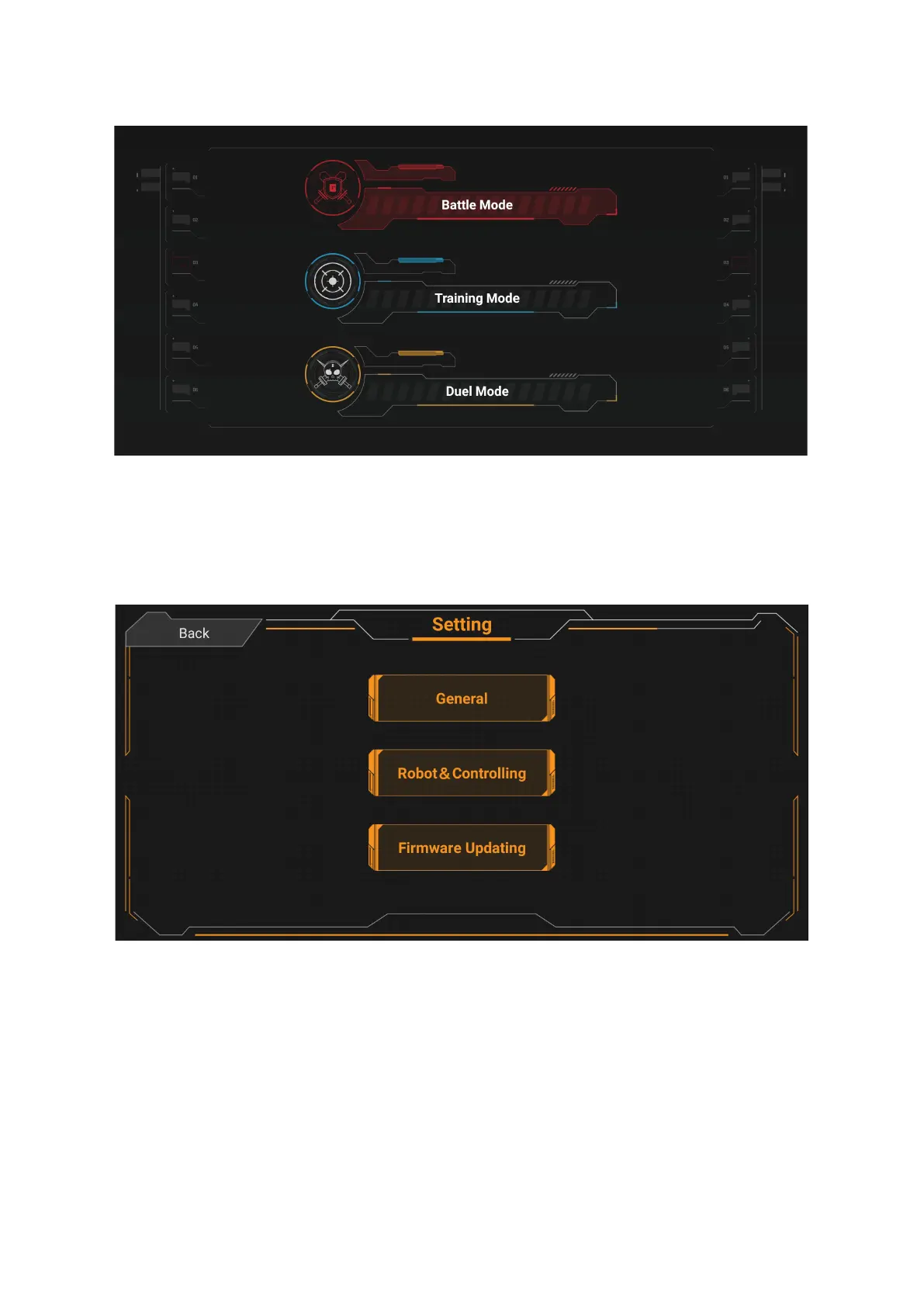
4.Settings
This screen allows you to configure some functions and parameters for the APP, robots and its
controller. It also allows you to upgrade the firmware of the robot and its controller. For more
information about firmware upgrades, see the instructions in the APP.


 To Next Page