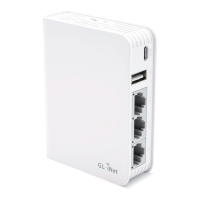
Power port
WAN Ethernet port
HARDWARE
1
LAN Ethernet ports
USB2.0 port
TF card slot
Repair / Reset
Press and hold for 3 seconds, and then release to repair your network.
If you cannot access the web-based setup page or cannot connect to the router,
you can press the Reset button:
Press and hold for 10 seconds, and then release to reset the router
to factory settings. All user data will be cleared.
Reset button
Mode switch
5GHz Wi-Fi
2.4GHz Wi-Fi
Power
LED Lights:


 To Next Page