PV Glider Manual v. 2 rev B www.glidebikes.com 4 of 11
Figure 3
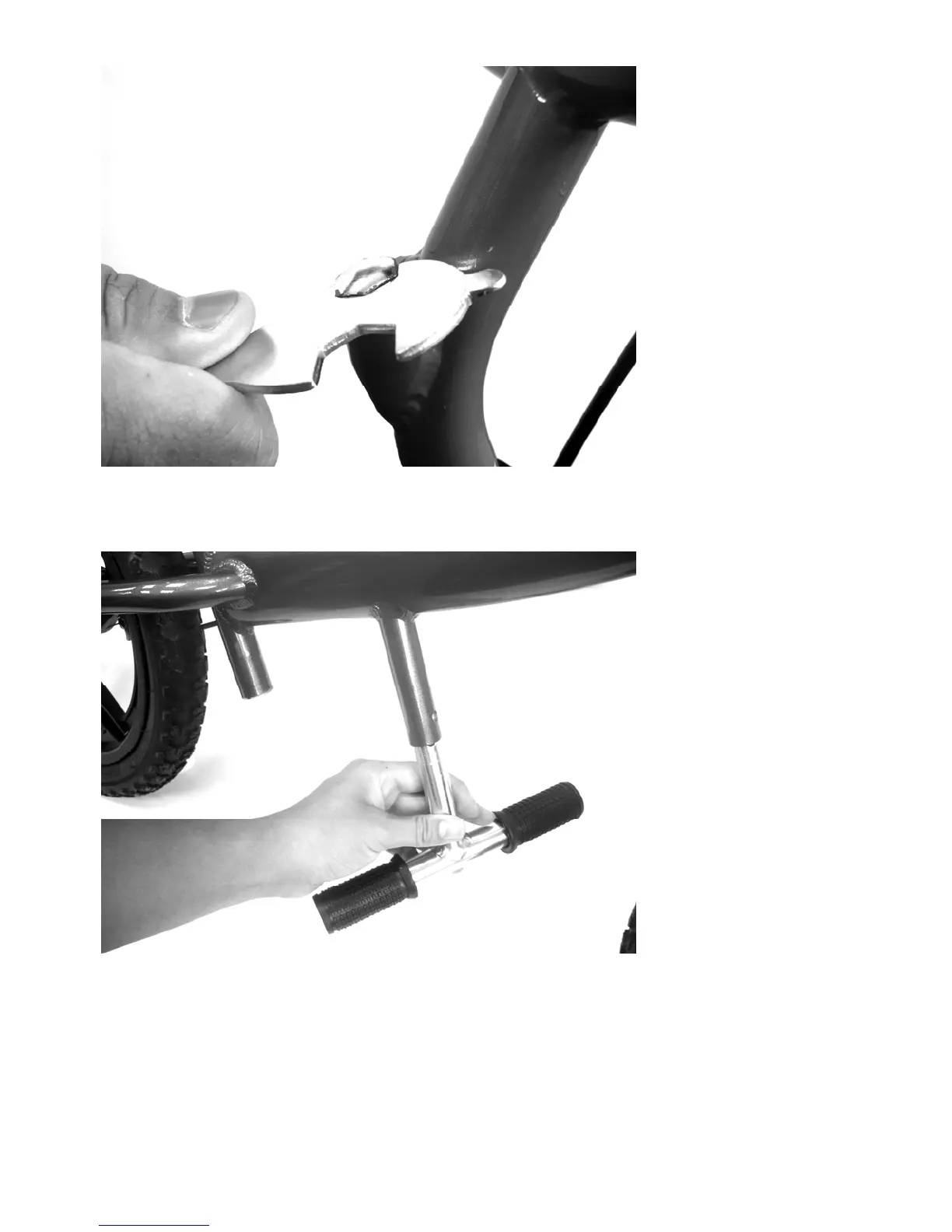
Installing Foot Pegs
The foot pegs come installed on the glider rotated 90 deg out of proper position .
To install in the correct position for riding press in the small button on side of the painted
peg tub and pull the pegs out of the frame. Rotate the pegs 90 deg so that they are in the
proper position and push in the button on the pegs until they go into the peg tube. Slide in
all the way until the button click through the holes in painted peg tube.



 To Next Page