Assembly, Cont’d
3
4
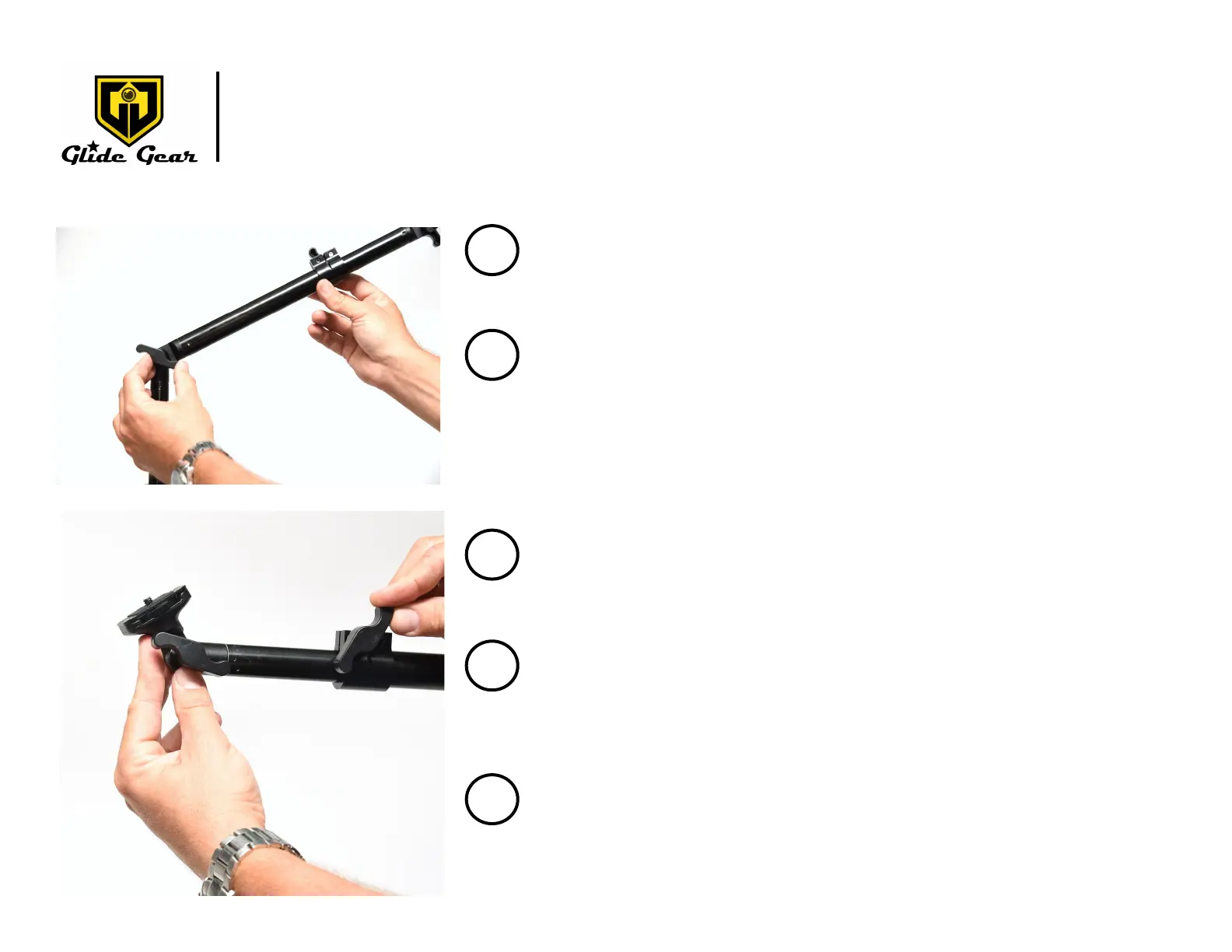
Connect the Telescopic Arm (C) via the Main Hinge (E) as in
shown in Fig. 4.
Fig.4
Adjust the length of the Telescopic Arm (C) by loosening
and ghtening the clamp connecng the poles (Fig. 5).
Adjust the angle of the Telescopic Arm (C) by loosening and
ghtening the Main Hinge (E) .
Make sure the Main Hinge (E) is fully locked before moving
to the next step.
Fig.5
5
Adjust the angle of the Camera Plaorm (F) by loosening
and ghtening the hinge connecng the Camera Plaorm
(C) to the Telescopic Arm (C). See Fig. 5.
6
Make sure all the joints are fully locked into posion.
Mount your camera to the Camera Plaorm (F).
7
For more informaon please visit our website: www.glidegear.net



 To Next Page