EasyManua.ls Logo

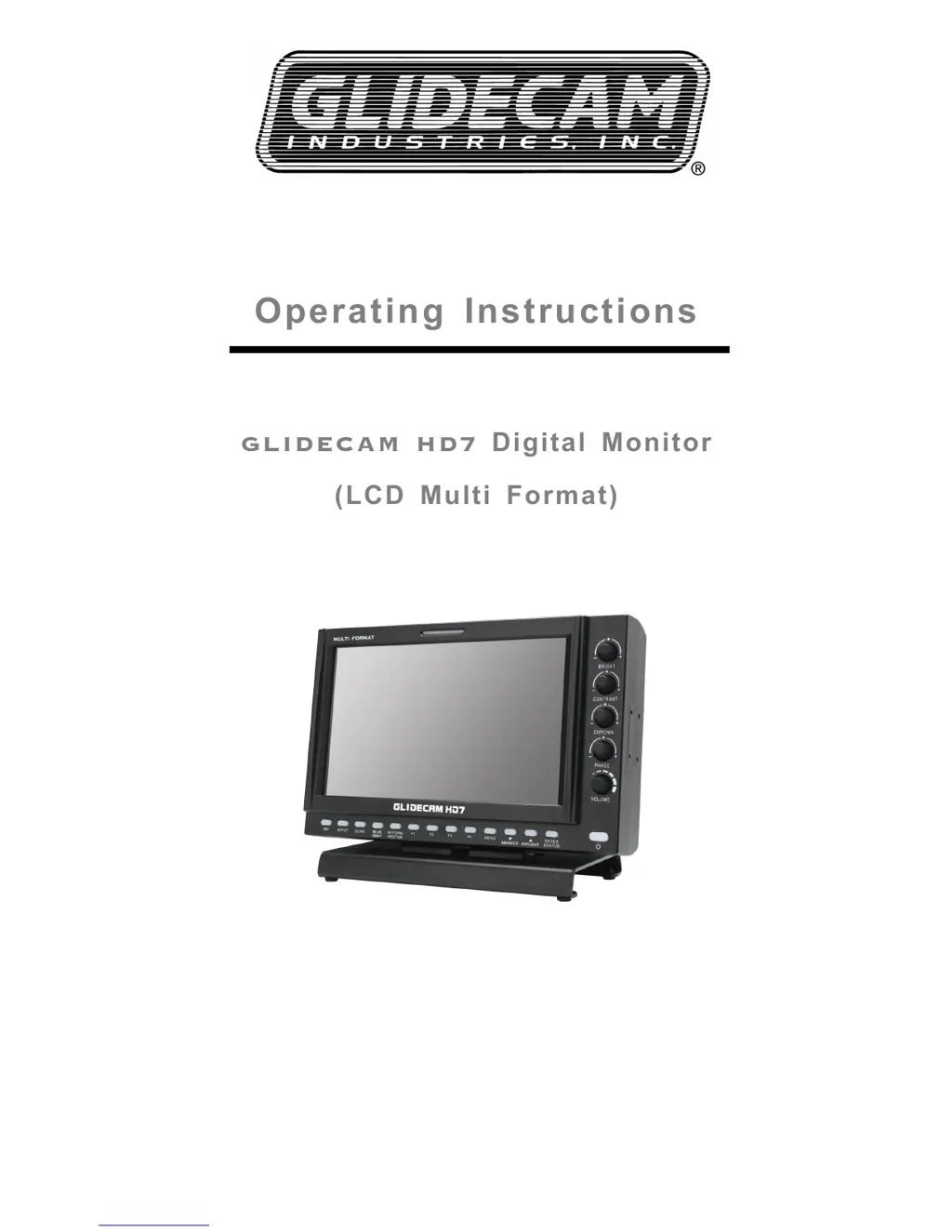
Glidecam Industries HD7 - User Manual

Glidecam Industries HD7
36 pages
Print Icon
To Next Page IconTo Next Page
Loading...
THE NAME AND FUTURE OF
CAMERA STABILIZATION
TM
Operating Instructions
GLIDECAM HD7
GLIDECAM HD7
Digital Monitor
Digital Monitor
(LCD Multi Format)
(LCD Multi Format)
Model : GLIDECAM HD7

Questions and Answers

Summary

Important Safety Instructions

General Safety and Usage Guidelines

Covers reading the manual, cleaning, accessory use, environment, and ventilation.

Electrical Safety and Protection

Details power source, grounding requirements, surge protection, and power cord safety.

Servicing and Maintenance Safety

Emphasizes using qualified personnel for servicing the monitor.

FCC Compliance Information

General Safety Precautions

Electrical Shock and Fire Hazards

Warns against electrical shock, fire hazards, moisture, and ensures proper ventilation.

Accessory and Voltage Guidelines

Advises using recommended accessories and notes voltage operation ranges.

Environmental Disposal Information

Provides information on disposal of materials containing mercury and lead in the USA.

AC Power Cord and Disposal Information

AC Power Cord Safety

Provides safety instructions for selecting and using the appropriate AC power cord.

Product Disposal Guidelines

Explains how to properly dispose of waste electrical and electronic equipment according to regulations.

Product Overview

Product Features Overview

Controls and Functions

Front Panel Controls

Describes the buttons, knobs, and indicators on the front panel of the monitor.

Rear Panel Connections

Details the various input and output ports located on the rear of the monitor.

Tally & Audio Features

Tally Indicator Functionality

Explains the Tally lamp colors and selection methods.

Audio Input and Output Ports

Details the analog audio input and output ports, including their connection types and functionality.

Programmable Front Panel Functions

Status Display Options

Audio Level Meter Display

Explains how to configure and display audio levels on the monitor.

Waveform and Vector Scope Display

Details how to set up and position the waveform and vector scope displays.

Input Selection Button

On-Screen Display (OSD) Menu Control

Video Setup and Adjustments

PC-RGB Video Mode Setup

Display Setup and Screen Modes

PC-RGB Display Mode Setup

Color and White Balance Setup

Marker Settings and Safe Area

OSD Menu Configuration

Audio Setup and Configuration

GPI (General Purpose Interface) Setup

System Configuration and Settings

Program Update Port

Program Update Port (RJ-11)

Describes the RJ-11 port for firmware upgrades, color calibration, and PC remote control.

Multiple Monitor Control

Explains how to set up multiple monitor control using adaptors and PC software.

Remote Terminal Assignment

RJ-45 Remote Terminal Assignment

Details the pin assignment for the RJ-45 remote terminal and its configuration within the GPY CONTROL SETUP menu.

RJ-45 GPI Port Connection

Explains how to connect external contact points to the RJ-45 GPI port for control.

GPI Port Remote Terminal Functions

List of Compatible Signal Formats

Computer Signal Compatibility (PC-RGB;DVI)

Product Specifications

Physical Dimensions and Mounting

Troubleshooting Common Issues

Monitor Maintenance and Lifespan

Product Updates and Modifications

Product Warranty Information

Glidecam Industries HD7 Specifications

General IconGeneral
BrandGlidecam Industries
ModelHD7
CategoryMonitor
LanguageEnglish