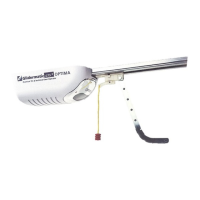
LimitSetting–ByOpener
1. Pressandhold[LIMIT]button.Unitwillbeepthreetimestosignalforlimitsettingmode
2. ProceedtosetuptheTOP limit, byusingon‐board[OPEN]&[CLOSE]buttons,andconfirmTOP
limitpositionbypressing[STOP]button
3. Then set the BOTTOM limit, also by using on
‐board [OPEN] & [CLOSE] buttons, and confirm
BOTTOMlimitpositionbypressing[S TOP]button
4. Oncelimitsareset,theunitwillautomaticallyperformafullcalibrationcycle
5. Whenthedoorisclosedaftercalibratio n,thelimitsaresuccessfullysetup
6. Thedoorwillnowtravelbetweenlimitsand
automaticallysettheoptimaloperationforce
7. Now test the door on a block of wood 40mm off the ground. In most installations the door
should automatically reverse without any further adjustments. However, if the door doesn’t
autoreverse,pleaserefertoForceSettinginstructionstoadjust


 To Next Page
 Loading...