EasyManua.ls Logo

Global Air NPC1-14C - User Manual

Global Air NPC1-14C
30 pages
Print Icon
To Next Page IconTo Next Page
Loading...
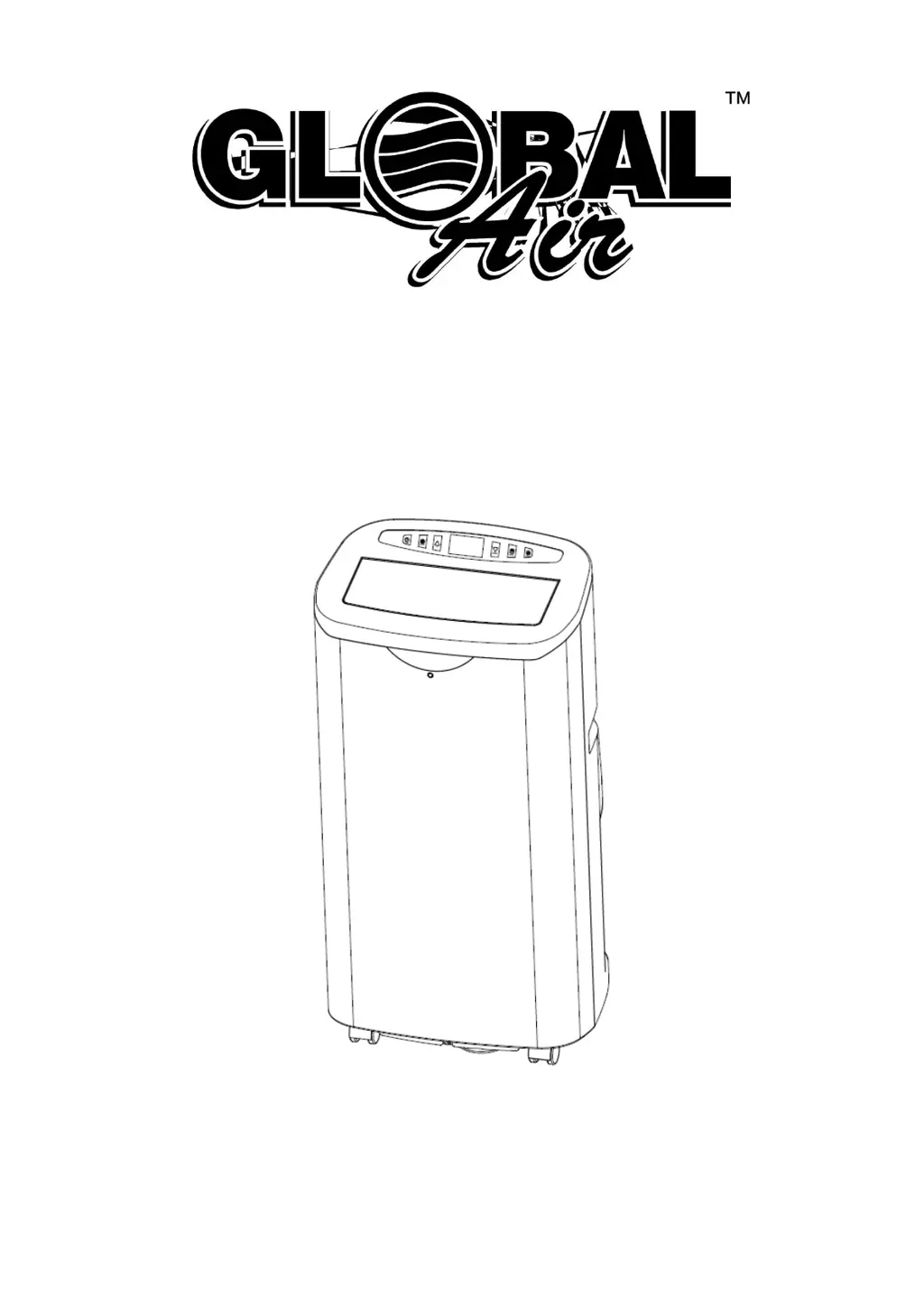
Portable Air Conditioner
User’s Manual
It is important that you read these instructions before using your new purchase and we strongly recommend that
you keep them in a safe place for future reference.

Questions and Answers

  • H
    hchristianAug 2, 2025
    Why is my Global Air NPC1-14C Air Conditioner not cool enough?
    • W
      walterscarrieAug 2, 2025
      Your Global Air Air Conditioner might not be cooling effectively because the doors or windows are open—ensure they are all closed. Other potential causes include heat sources in the room (remove them if possible), a disconnected or blocked exhaust air hose (connect or clean it), a temperature setting that is too high (reset the temperature), or a blocked air inlet (clean the air inlet and filters).
  • R
    Rachel RubioAug 6, 2025
    Why is my Global Air Air Conditioner so noisy?
    • N
      nicholas42Aug 6, 2025
      If your Global Air Air Conditioner is making excessive noise, it could be because the ground is not level; try placing the unit on a flat, level surface. Also, the sound may be from the flowing of the refrigerant inside the air conditioner. This is normal.
  • K
    kevinparkerAug 11, 2025
    What to do if my Global Air NPC1-14C displays E4 code?
    • K
      Karen JohnsonAug 11, 2025
      The E4 code on your Global Air Air Conditioner indicates anti-freeze protection is activated. The functions will automatically restore once the anti-freeze protection is over.
  • S
    stephanie38Aug 15, 2025
    What to do if my Global Air NPC1-14C compressor does not seem to be working?
    • M
      morgan54Aug 15, 2025
      If the compressor in your Global Air Air Conditioner isn't working, overheat protection may be activated. Wait 30 minutes for the temperature to decrease, and then try turning the unit on again.
  • J
    James RiveraAug 19, 2025
    Why does my Global Air NPC1-14C Air Conditioner remote control not function?
    • V
      Victoria JohnsonAug 19, 2025
      If your Global Air Air Conditioner remote control isn't working, ensure it's correctly aimed at the control panel. Also, check the batteries, as they may be drained.
  • M
    Misty PetersonAug 23, 2025
    What to do if my Global Air Air Conditioner displays CH01 code?
    • P
      Patrick FordAug 23, 2025
      If your Global Air Air Conditioner displays a CH01 code, it indicates a room temperature sensor failure. Check the room temperature sensor and related circuits.
  • K
    Kathy PachecoAug 28, 2025
    What to do if my Global Air Air Conditioner displays CH02 code?
    • R
      Roberto EdwardsAug 28, 2025
      If your Global Air Air Conditioner displays the code CH02, this indicates a tube temperature sensor failure. You should check the tube temperature sensor and related circuits.

Summary

Safety Information

Important Safety Instructions

Crucial safety precautions and warnings for operating the air conditioner safely, including electrical hazards and usage restrictions.

Specifications

Technical Specifications

Detailed list of unit specifications including model, BTU, voltage, power consumption, refrigerant, and dimensions.

LCDI Plug Instruction

Explanation of the LCDI plug function and troubleshooting steps for the green light indicator.

Parts List

Unit Components Identification

Identification of main unit parts shown on the front and back sides.

Included Accessories

List and visual representation of accessories provided with the air conditioner for installation and use.

Control Panel

Control Panel Overview

Diagram and description of the unit's control panel interface and its basic elements.

Power and Mode Selection

Explanation of the Power button and how to select operating modes like Cool, Dehumidify, Fan, and Energy Conservation.

Fan Speed and Timer Settings

Instructions for adjusting fan speed and setting the auto-on/auto-off timer functions.

Temperature and Special Functions

How to adjust temperature, use Auto Swing, Sleep, Energy Conservation, and Auto-clean features.

Remote Control

Remote Control Operation

Explanation of remote control buttons and their functions for operating the unit remotely.

Battery Installation and Storage

Instructions for installing batteries and storing the remote control when not in use.

Important Operational Notes

Key points regarding compressor operation, start-up delays, and temperature resumption.

Safety Protection Features

Description of anti-freeze and auto-defrosting protection mechanisms integrated into the unit.

Installation Instructions

General Installation Guidelines

Placement, airflow, hose length recommendations, and window kit compatibility notes.

Window Kit Installation Steps

Procedure for assembling the outdoor adapter and window slide bar for installation into windows.

Alternative Installation Methods

Instructions for direct exhaust hose installation through a wall or window.

Drainage

Manual Water Drainage

Steps for manually draining the water reservoir when the unit indicates it is full.

Continuous Drainage Setup

Instructions for connecting a drain hose for continuous water removal from the unit.

Maintenance

Cleaning Precautions

Essential warnings before cleaning the unit, including disconnecting power and avoiding harsh chemicals.

Cleaning Procedures

Detailed steps for cleaning the unit's housing and air filter for optimal performance.

Storage and Return Information

Guidance on seasonal storage and how to properly package the unit for warranty return or repair.

Troubleshooting

Global Air NPC1-14C Specifications

General IconGeneral
Typeportable
Colorwhite
Operating Area Size500 square feet
Cooling Settings2
Heaterno
Fan Airflow Rate250 cubic feet per minute
Hosesingle
Remote Controlyes
Timeryes
Sleeping Modeyes
Current9.6 amperes

Related product manuals