MacroSIM——SIMslot1MicroSIM——SIMslot2
ThefrontpanelcanbeopenedasshowninFigure3.
Pleasepowerofffirstifyouwanttoinsert/pullouttheSIMcard。
4、ProductIntroduction
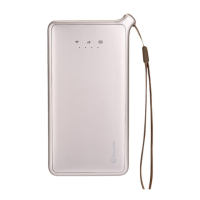
Brand:GlocalMe
Model:E1
BoxContent:Device;UserManual:MicroUSBcable
TechnicalSpecification:
• LTEFDD:Band1/2/3/4/5/7/8/17/20
• LTETDD:Band38/39/40/41
• WCDMA:Band1/2/4/5/8
• GSM:1900/1800/900/850MHz
• CDMA/EVDO:BC0BC1
• MaxUploadspeed:50Mbps
• MaxDownloadspeed:150Mbps
• Wi‐Fi:IEEE802.11b/g/n
• MicroUSB
• Batterycapacity:3500mAh
• PowerInput:DC5V 1A
5、Quick
StartGuide
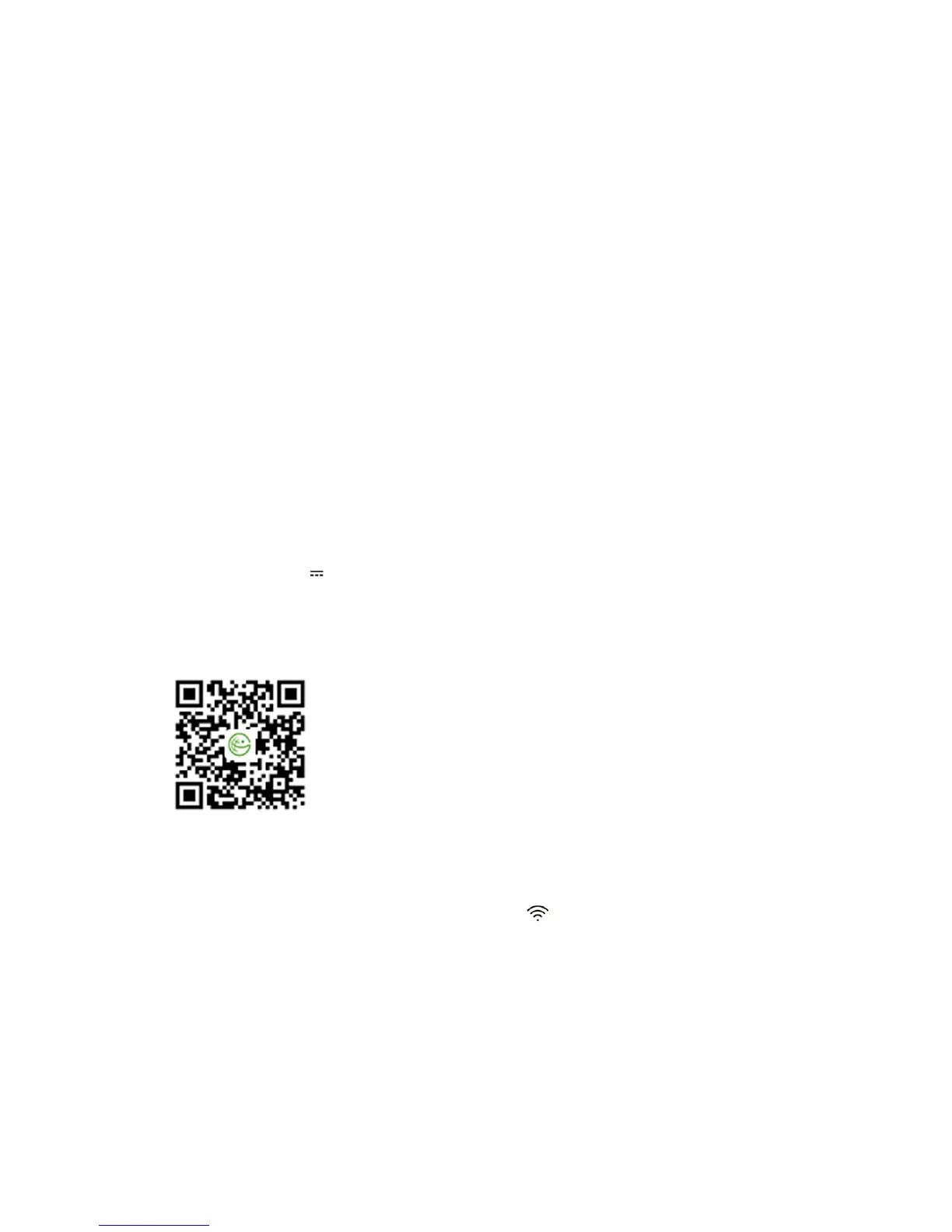
1. Register an Account:Scan the QR code below to download the GlocalMe App. Register an
accountafterinstallation。
2.ActivateDevice:UsingtheGlocalMeApptoscantheQRcodeonthebackpanelofthedevice.
3.PurchasePackage:Purchasepackageortopupthrough
GlocalMeApp.
4.PowerOn:Presspowerbuttonfor3seconds.
5.ConnecttoGlocalMe:WhentheWi‐FiLEDindicator""ispermanentlyon,turnonWi‐Fion
cellphone, selectGlocalMe Wi‐Fi,inputthe passwordtoconnect tothe internet (Wi‐Finame
andpasswordcan
beseenonthebackpanel,asshownbelow).


 To Next Page