42 Keys, Doors, and Windows
2. Kick the switch to extend the
power assist step to the tire.
A DIC message displays.
3. Kick the switch again to return
to normal operation.
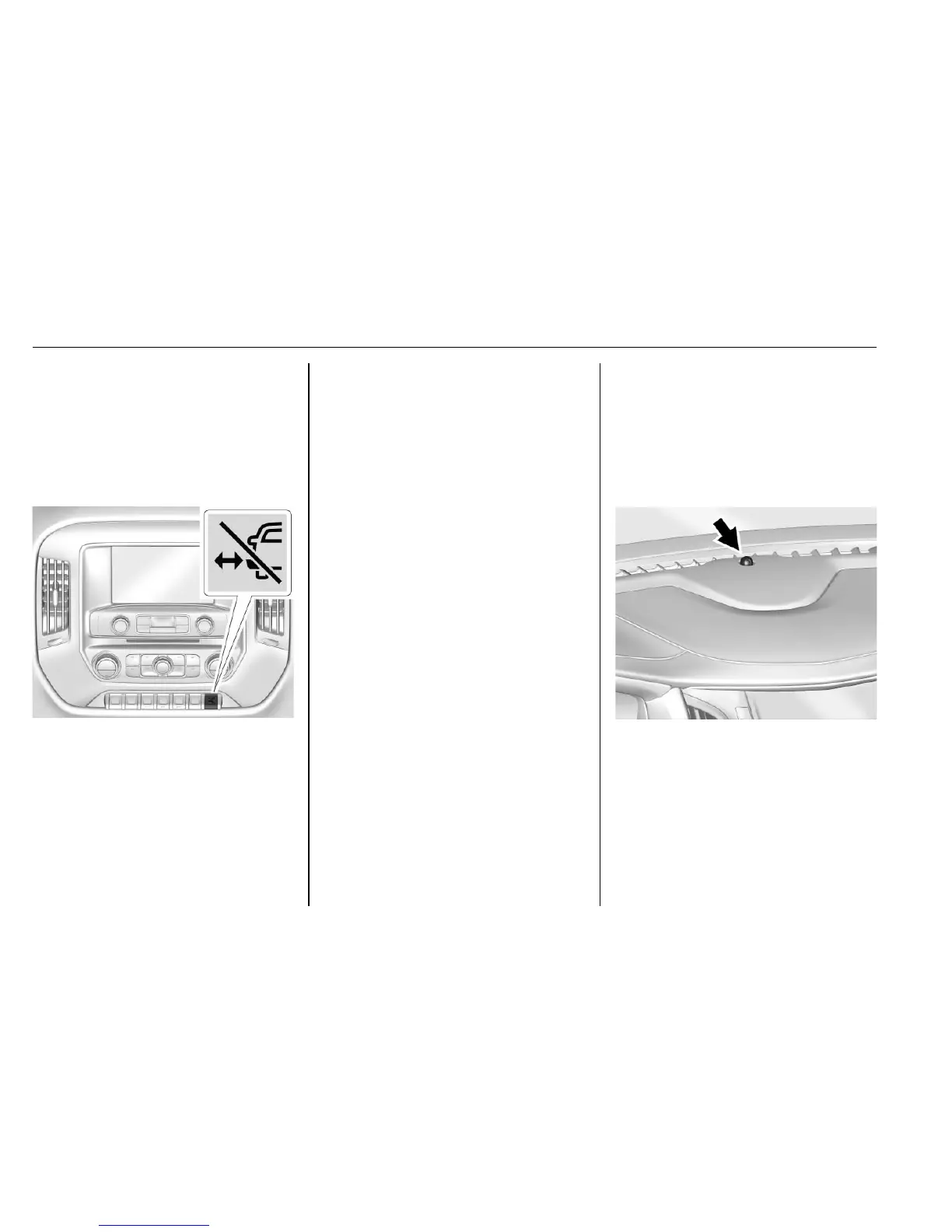
Center Stack Switch
The power assist steps can be
extended and extended to the tire
by pressing
j. When extending
the steps with
j, the kick switch is
disabled.
The vehicle must be in P (Park) or
N (Neutral). To extend the steps:
.
Press
j to extend both steps.
A DIC message displays.
.
Press
j again to extend to the
tire. A DIC message displays.
.
Press
j again to return to
normal operation.
Enable/Disable
To enable or disable the power
assist steps, press and hold
j for
four seconds. A DIC message
displays.
Cleaning
Clean the power assist steps
regularly. For an automatic car
wash, extend the steps while in
N (Neutral) using the center stack
switch. The steps will stow when
shifting into D (Drive).
Vehicle Security
This vehicle has theft-deterrent
features; however, they do not make
the vehicle impossible to steal.
Vehicle Alarm System
The indicator light, on the
instrument panel near the
windshield, indicates the status of
the system.
Off : Alarm system is disarmed.
On Solid : Vehicle is secured
during the delay to arm the system.













 To Next Page