Symbols
The following symbols are the most common
symbols that will appear on a map screen.
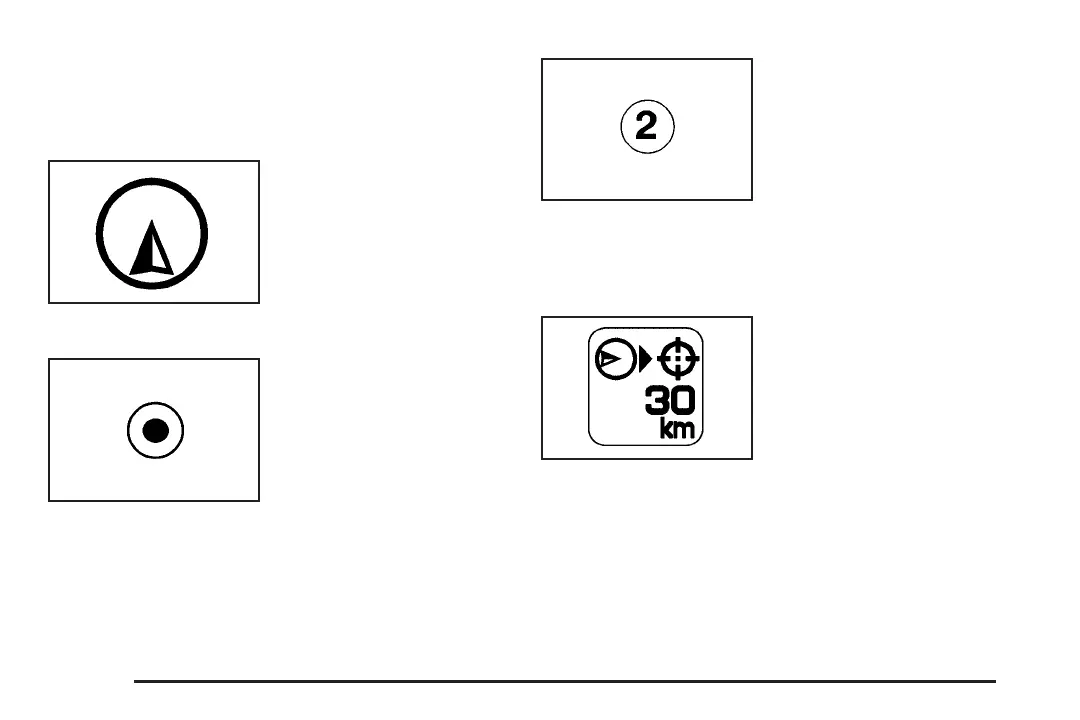
Your vehicle is shown
as this symbol. It
indicates the current
position and the
direction your vehicle is
traveling on the map.
The destination symbol
will appear on the map,
after a route has
been planned, marking
the final destination.
The stopover symbol
will display on the map
after a stopover has
been added to the route.
The stopover symbols are numbered one through
three, depending on how many stopovers have
been set.
The distance to
destination symbol
indicates the distance to
the final destination.
This symbol only appears when the time to the
destination is not available or while you are
scrolling on the map.
22














 To Next Page