Displaying Points of Interest (POI) on the
Map Screen
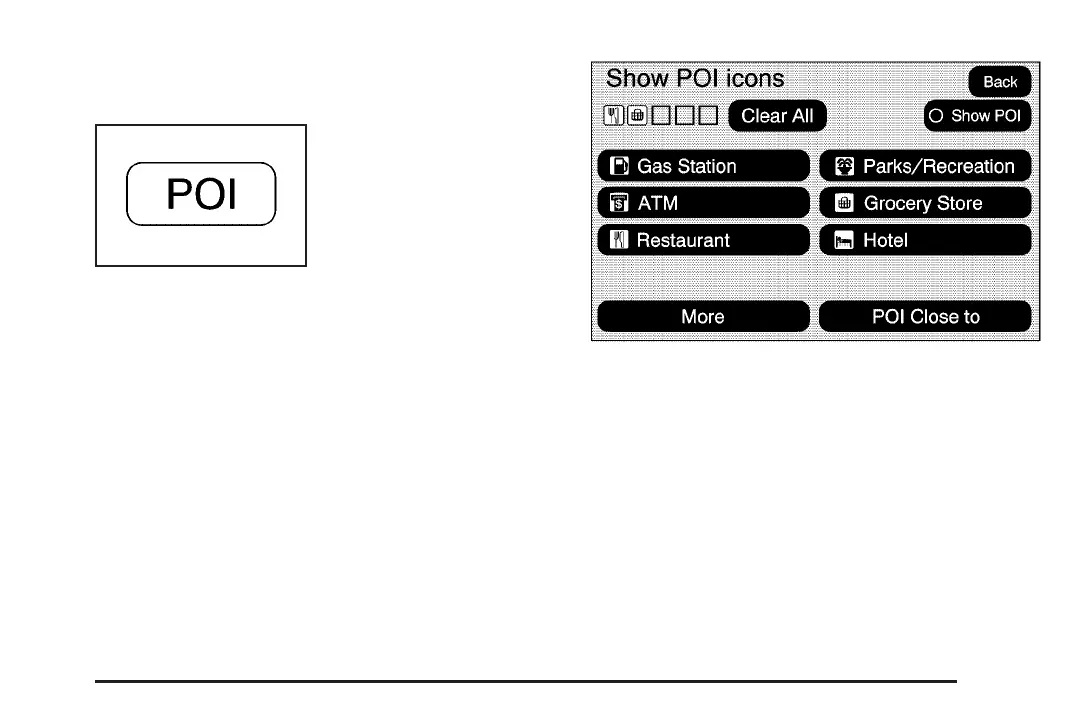
Select the POI screen
button to display or
delete POI icons from
the map.
Displaying POI icons on the map lets you know
where POIs (e.g. restaurants, gas stations,
etc.) are located. This screen will appear after
selecting the POI screen button.
Select one of the POI categories to display or to
delete POI icons from the map screen. Once
a category has been selected the POI icon will
display at the top of the screen. Five categories
can be selected to display on the map screen.
When a category is selected those POI icons will
display on the map. Press the POI screen
button again to add more POI icons.
More: Select this screen button to view more POI
categories.
25














 To Next Page