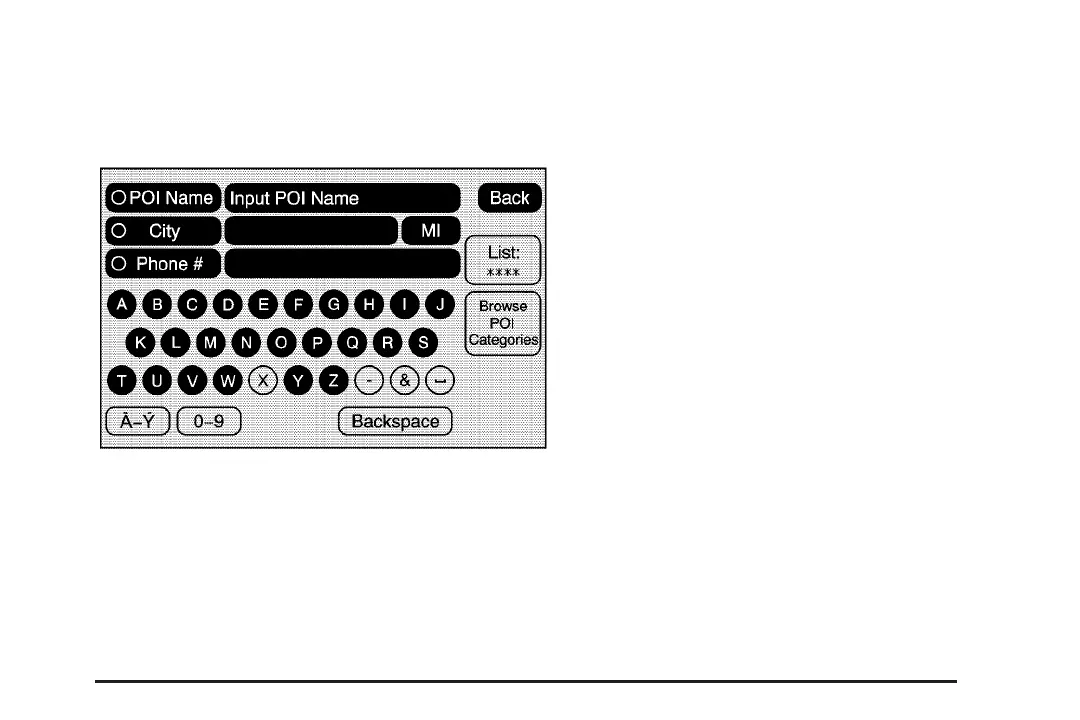
Point of Interest (POI)
The Point of Interest (POI) destination entry
method allows you to select a destination from the
POI list.
i Point of Interest: Select this screen button to
access the POI (Point of Interest) screen. From this
screen you have two options to select/enter a
destination. Either enter the name using the alpha
keyboard or select a category from the category list.
To use the point of interest destination entry
method by entering the name:
1. Press the DEST hard key.
2. Select the
i Point of Interest screen button.
3. Select the state/province screen button,
if needed, to change the current state or
province. Enter the name or enter the
two-letter abbreviation. A list will display or
select the List screen button and select
the state or province.
4. Enter the POI name.
If five or less names are available, a list will
display. If more than five are available, the List
screen button will have a number in it that
represents the number of available POIs.
Select this button to view the list.
33














 To Next Page