Avoid: Select this screen button, next to the
adjacent street name, to avoid the maneuver.
The map screen will display. The route will
re-calculate without that maneuver.
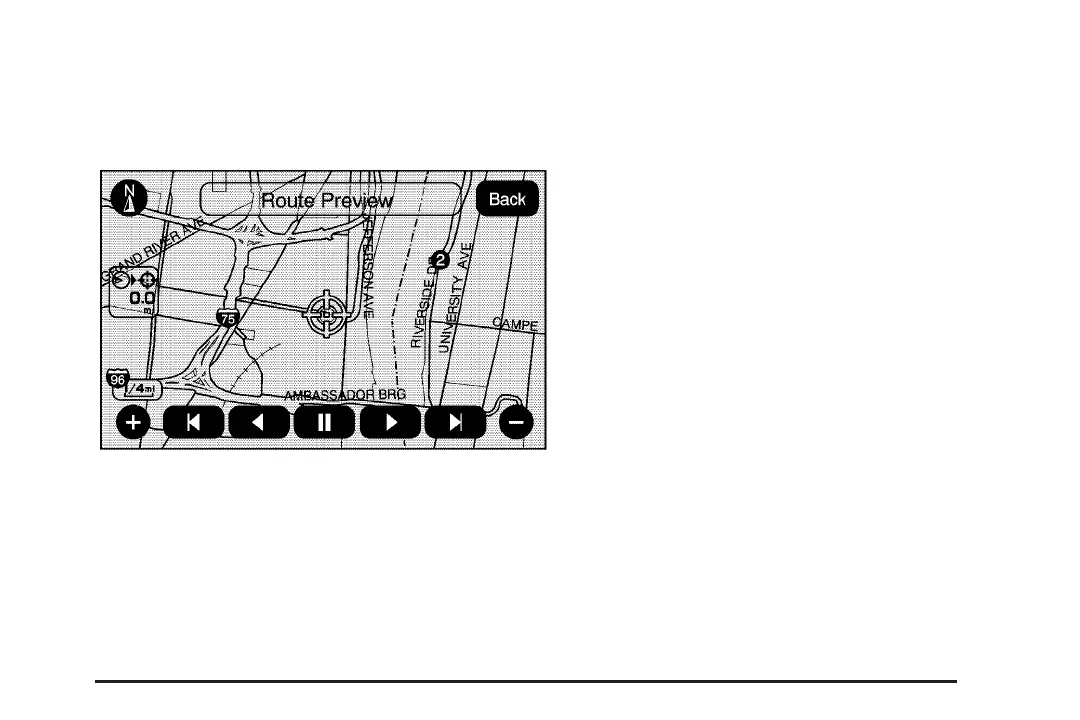
Route Preview: Select this screen button to
preview the entire route in either direction.
t (Reverse Skip): Select this screen button to
go back to the start point or previous stopover.
q / r (Reverse Scroll): Select this screen
button to scroll to the start point or previous
stopover. The
t (reverse skip) button will change
to a fast reverse screen button.
j (Pause): Select this screen button to pause
the route preview, while in reverse or fast forward
scroll.
r / [ (Fast Forward Scroll): Select this screen
button to scroll to the next stopover or to the
final destination. The
u (fast forward skip) button
will change to a fast speed fast forward.
u (Fast Forward Skip): Select this screen
button to go to the next stopover or to the final
destination.
41














 To Next Page