Edit Address Book — How to Add
To add an address to the address book, see
“Adding Destinations to the Address Book” under
Destination on page 29.
Edit Address Book — Edit/View
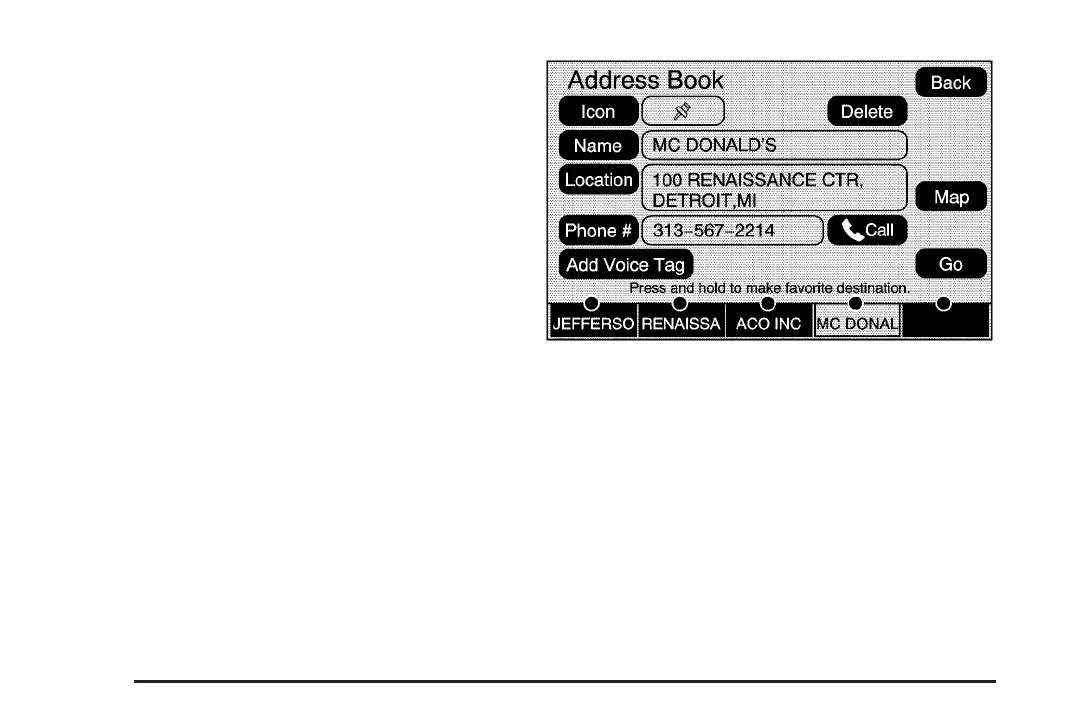
To edit the name of an address book:
1. Press the MENU key then press the MENU
key repeatedly until Nav is selected or select
the Nav screen button.
2. Select the Edit/View Address Book screen
button.
3. Select the Address book entry.
4. Select the Name screen button and use the
alpha keyboard to edit or add the name.
5. Select the OK screen button to save your
changes.
48














 To Next Page