To delete the entire address book:
1. Press the MENU key then press the MENU
key repeatedly until Nav is selected or select
the Nav screen button.
2. Select the Edit/View Address Book screen
button.
3. A list of all the address book entries will
display. Press and hold the Clear All
screen button.
4. A confirmation pop-up will display. Select Ok
to delete; select No to cancel the operation.
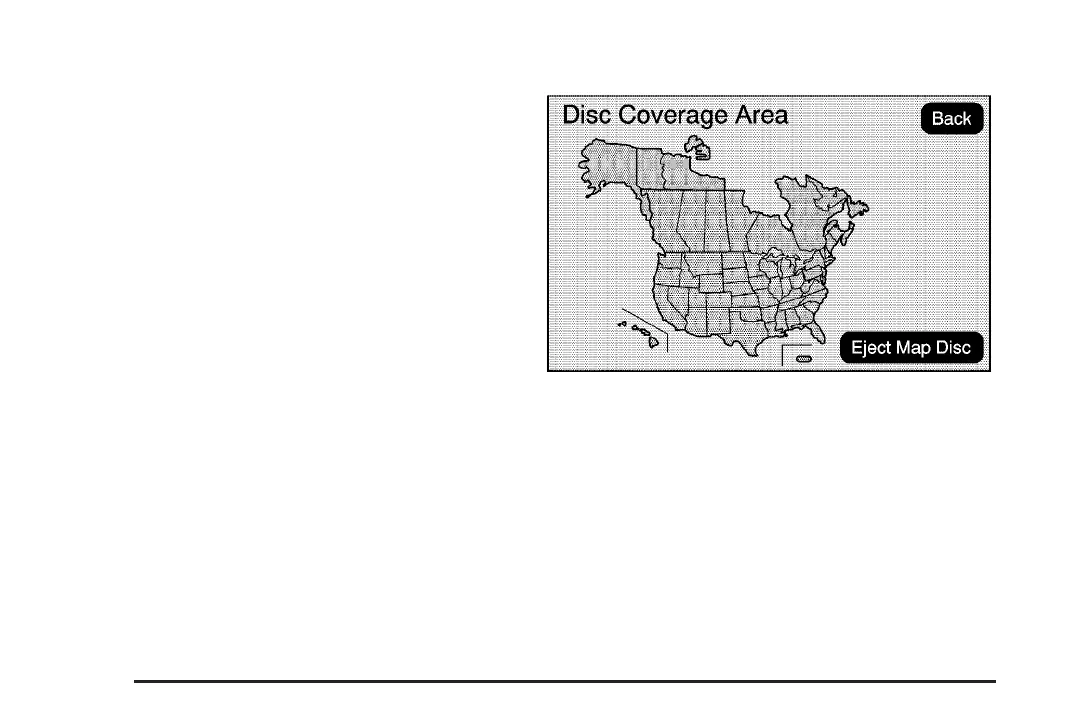
Map Database Information
Select the Map Database Information screen button
to view the coverage areas of the map DVD.
50














 To Next Page