If there is no apparent damage, try a known
good CD.
Notice: If a label is added to a CD, or more
than one CD is inserted into the slot at a time,
or an attempt is made to play scratched or
damaged CDs, the CD player could be
damaged. While using the CD player, use only
CDs in good condition without any label,
load one CD at a time, and keep the CD player
and the loading slot free of foreign materials,
liquids, and debris.
Do not add any label to a CD, it could get caught
in the CD player. If a CD is recorded on a
personal computer and a description label is
needed, try labeling the top of the recorded CD
with a soft marker instead.
If an error appears on the display, see “CD
Messages” later in this section.
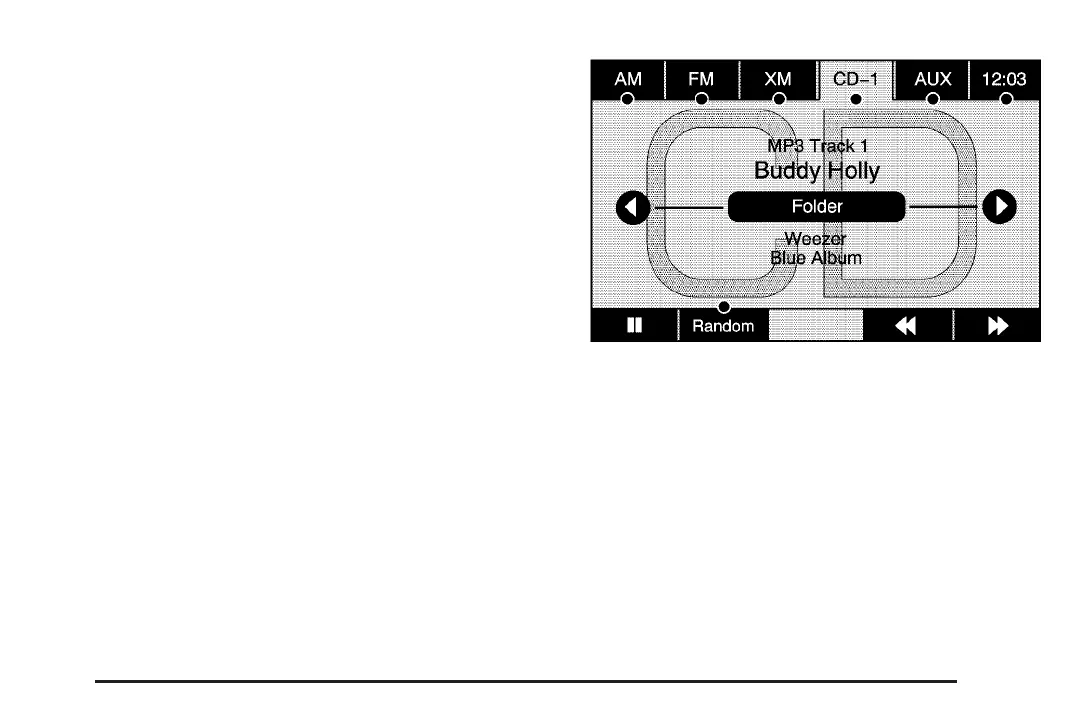
If viewing a map screen, select the CD screen
button. The display will split between the
audio screen and the map screen. If you do not
want to view a split screen or you are not on
a map screen, press the AUDIO key then press
the AUDIO key repeatedly until CD is selected or
select the CD screen button.
j / r (Pause/Play): Select this button to pause
the CD. This button will then change to the play
button. Select the play button to play the CD.
Random: Select this button to hear the tracks in
random, rather than sequential, order. Select
Random again to turn off random play.
r (Rewind): Select and hold this button to
rewind quickly through a track selection. You will
hear sound at a muted or reduced volume.
Release this button to stop rewinding. The display
will show the elapsed time of the track.
73














 To Next Page