Driving and Operating 9-39
Vehicles With Navigation
System
The rear vision camera system
is designed to help the driver
when backing up by displaying
a view of the area behind the
vehicle. When the driver shifts
the vehicle into R (Reverse), the
video image automatically appears
on the navigation screen. Once the
driver shifts out of R (Reverse), the
navigation screen will go back to the
last screen that had been displayed,
after a delay.
Turning the Rear Vision Camera
System On or Off
To turn the rear vision camera
system on or off:
1. Shift into P (Park).
2. Press the MENU button to enter
the configure menu options,
then press the MENU hard key
to select Display or touch the
Display screen button.
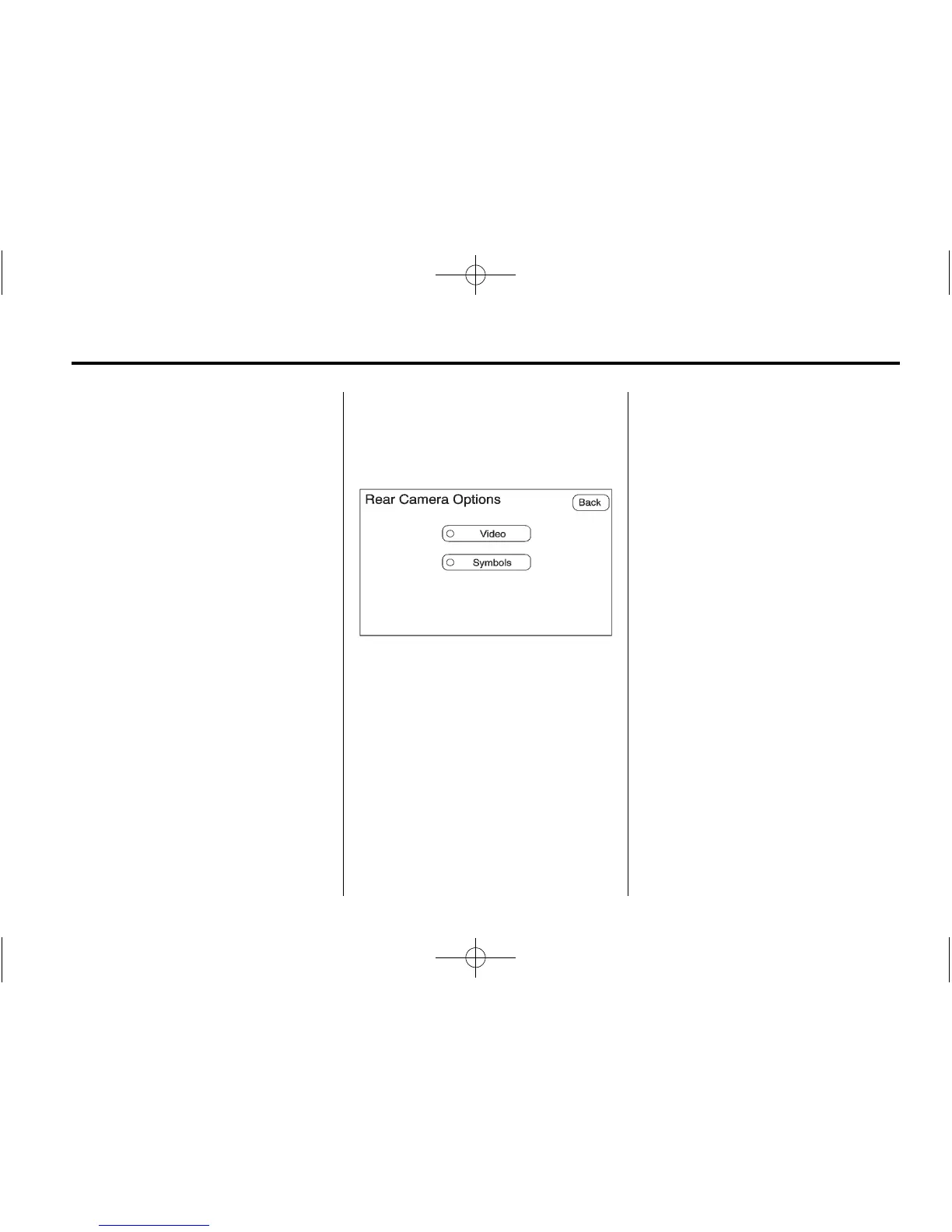
3. Select the Rear Camera Options
screen button. The Rear Camera
Options screen displays.
4. Select the Video screen button.
When the Video screen button
is highlighted the RVC system
is on.
The delay that is received after
shifting out of R (Reverse)
is approximately 10 seconds.
The delay can be cancelled by
performing one of the following:
.
Pressing a hard key on the
navigation system.
.
Shifting in to P (Park).
.
Reach a vehicle speed of
5 mph (8 km/h).
There is a message on the rear
vision camera screen that states
“Check Surroundings for Safety”.














 To Next Page