4-2 Storage
Armrest Storage
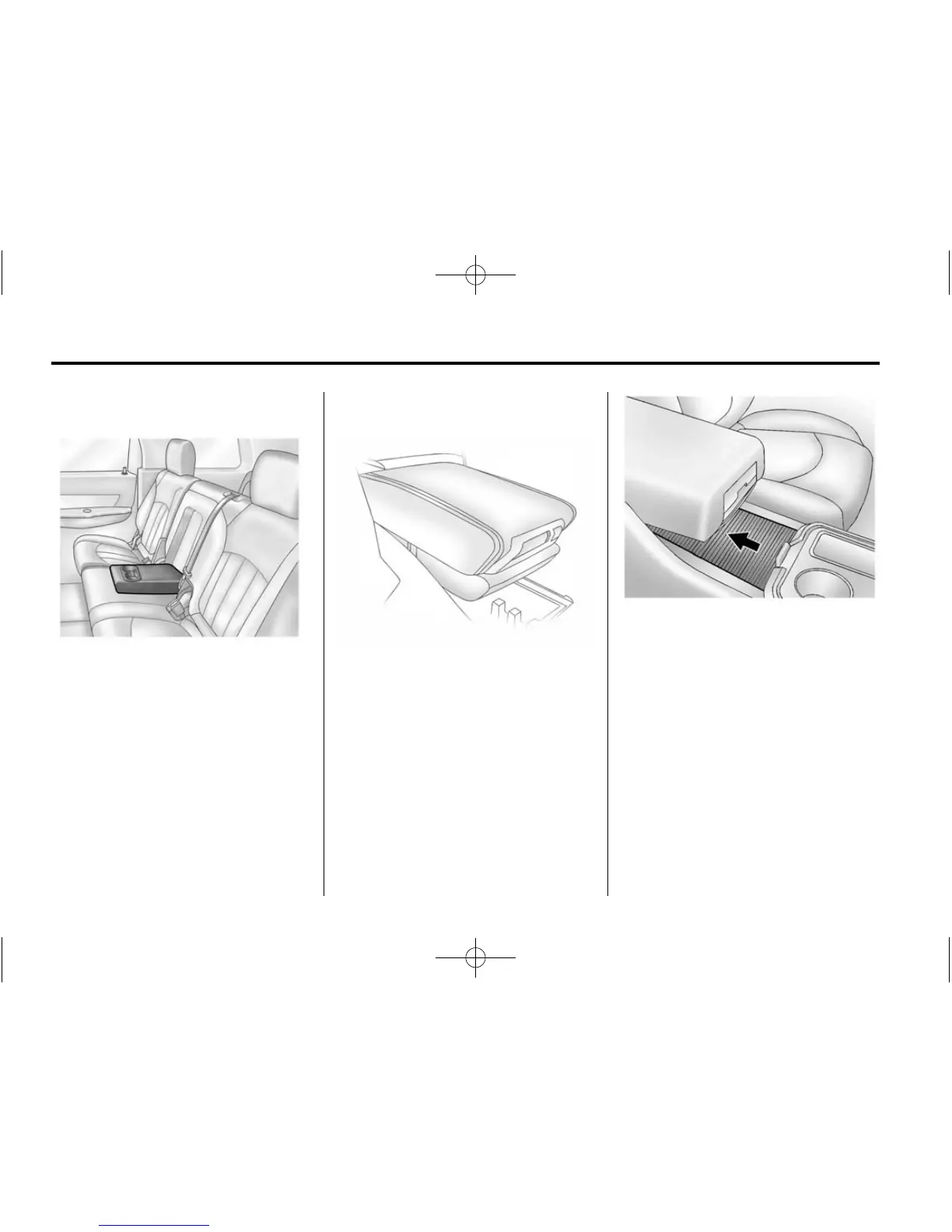
If equipped, the rear seat armrest
may have two cupholders. Pull the
armrest down to access the
cupholders.
Center Console Storage
Pull up the lever on the front of the
center console armrest to slide it
forward and backward. To open the
armrest storage area, press the
button on the front of the armrest.
There is additional storage under
the armrest. Move the armrest all
the way to the rear position, then
slide the storage cover back to
access.
There is a removable tray in the
storage area. Pull up on the tray to
remove and access the lower
storage area and power outlet. See
Power Outlets on page 5-7.
If equipped, there may be two
charging USB ports on the rear of
the console. See Auxiliary Devices
on page 7-17.



 To Next Page