Infotainment System 7-29
The Radio Settings are:
Phone Settings
See Bluetooth on page 7-20 in the
“Phone” section for more
information on phone settings.
Vehicle Settings
See Vehicle Personalization on
page 5-42.
Display
Mode : Press Mode to change the
screen background. This setting
controls map colors.
Calibrate Touchscreen : Press to
display the Touchscreen Calibration
Screen.
Turn Display Off : Press to turn
the Display option off.
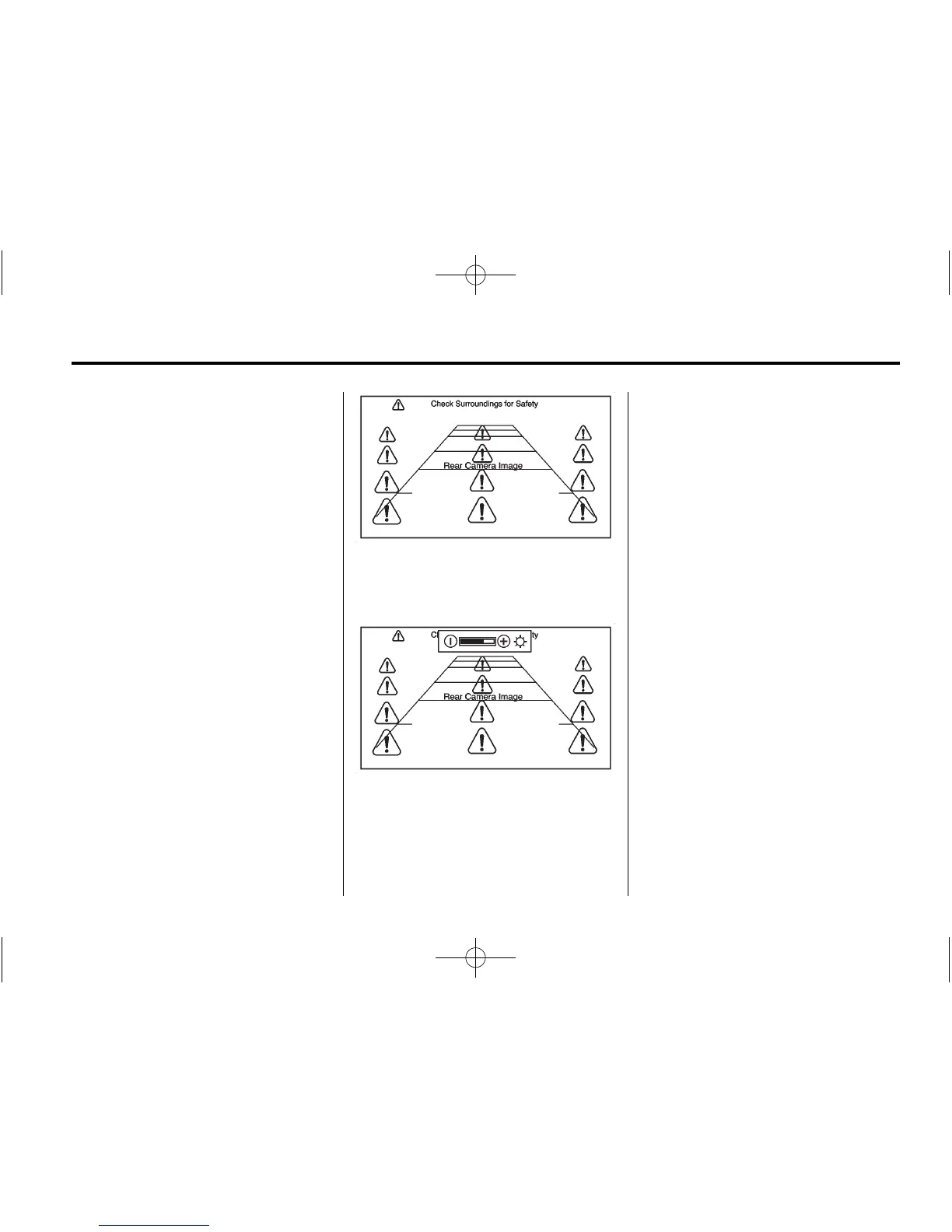
Rear Vision Camera (If
Equipped)
The rear vision camera can assist
the driver when backing up by
displaying a view of the area behind
the vehicle.
An image appears on the system’s
screen so that the driver can check
the surroundings for safety.
Press the Config button to access
the Display Settings.
Symbols : Press to enable or
disable the Rear Park Assist (RPA)
symbols presented over the rear
camera video.
Guidelines : Press to enable or
disable the RPA dynamic guidelines
presented over the rear camera
video.
See Rear Vision Camera (RVC) on
page 9-37.



 To Next Page