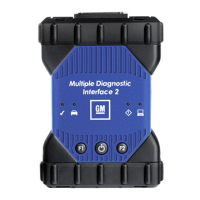
The Default Device connection method attempts to connect to the Default Device (MDI 2) using
the first available connection in the following order: USB, Ethernet, Wireless.
The Device Explorer connection method opens a dialog box which shows if MDI 2s are
detected.
MDI 2s that are not available have a red X across them and cannot be selected. MDI 2s that are
available can be selected is several ways.
Right-click a MDI 2 and select from available connections (USB, Ethernet, or wireless).
Select a MDI 2 and press the Connect button.
The Auto-Connection strategy connects using the first available connection in the
following order: USB, Ethernet, Wireless.
Right-click a MDI 2 and select from available connections.
Right-click a MDI 2 and set it as the Default Device.
The Cancel button closes the dialog box without making a connection.


 To Next Page