2-74
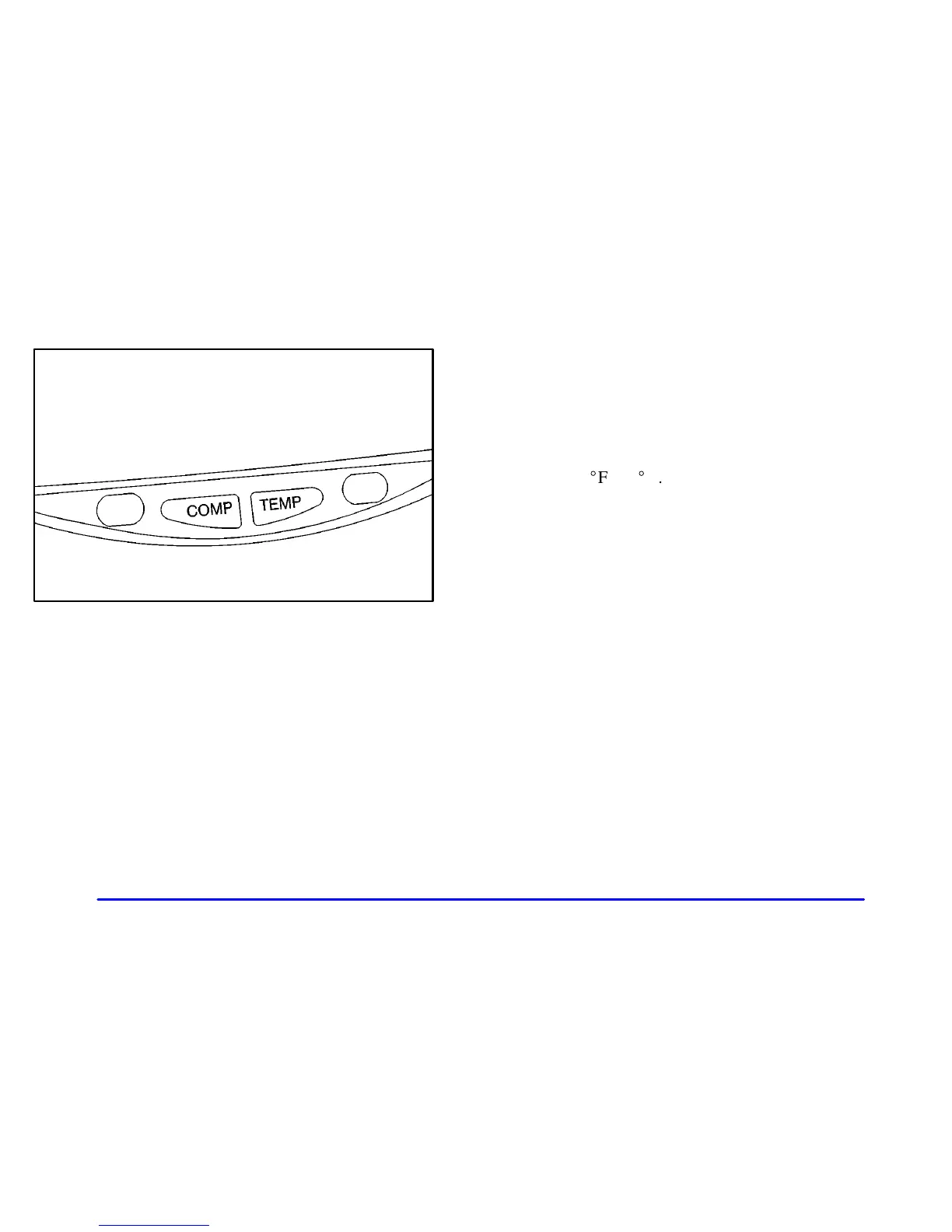
Temperature Display
The temperature can be displayed by pressing the TEMP
button. Pressing the TEMP button once briefly, will
toggle the temperature reading on and off. To alternate
the temperature reading between Fahrenheit and Celsius,
press and hold the TEMP button for three seconds until
the display blinks
_
F and
_
C. Press and release the TEMP
button to toggle between the Fahrenheit and Celsius
readings. After five seconds of inactivity, the display
will stop blinking and display the last selection made.
Press and release the TEMP button to toggle the
temperature display between Fahrenheit or Celsius.
If an abnormal reading is displayed, please consult
your dealer.













 To Next Page