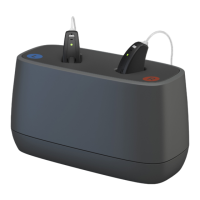
Charging the charger
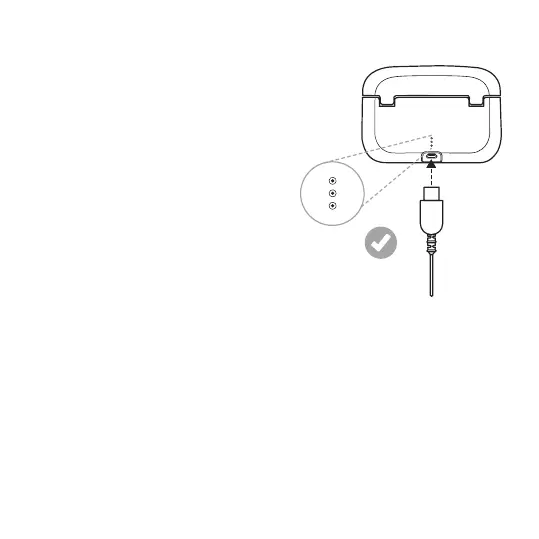
Plug the power adapter into a power
outlet and connect the charging cable
to the hearing aid charger.
The three lights at the back of the
charger show the charge level of the
charger. One red blinking light
indicates that the battery is low and
needs to be recharged. Three green
lights mean it is fully charged.
When the charger is fully charged, it can fully charge your hearing aids
three times before the charger itself needs to be plugged in and
recharged.
Getting started 13


 To Next Page