01
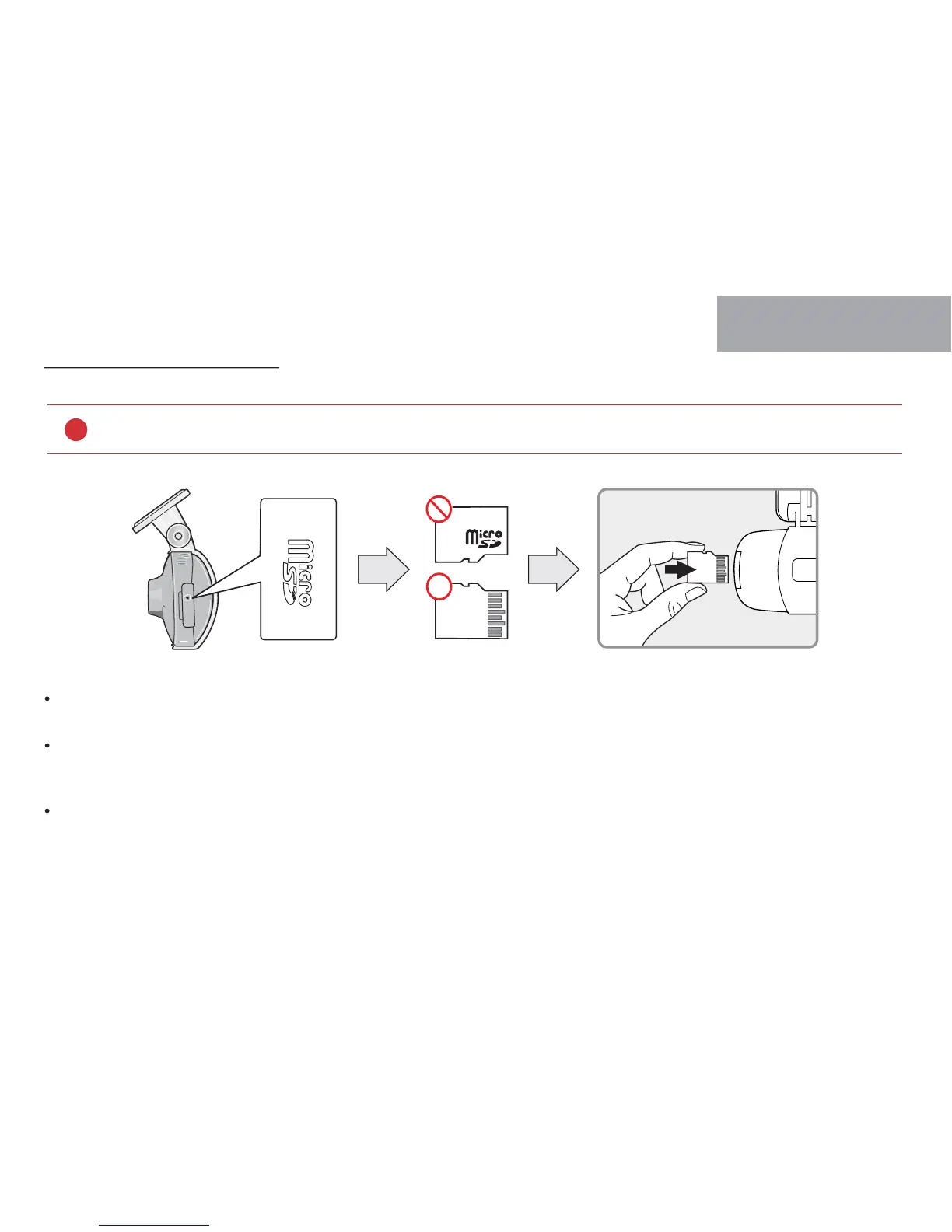
How to Insert Memory card
Misplaced memory card causes defective which can’t record any video data. Therefore, please Insert memory card into right place with right position..
In case that first use Memory card or after format, memory card will be standby mode for 3min ~ 5min to Copy JDR File system and inspect
Memory card.
After voice guide of "start recording" comes. Dash cam starts recording.
Before use memory card, you should be aware of caution as below.
!
13
BEFORE USE



 To Next Page