1
2
3 4
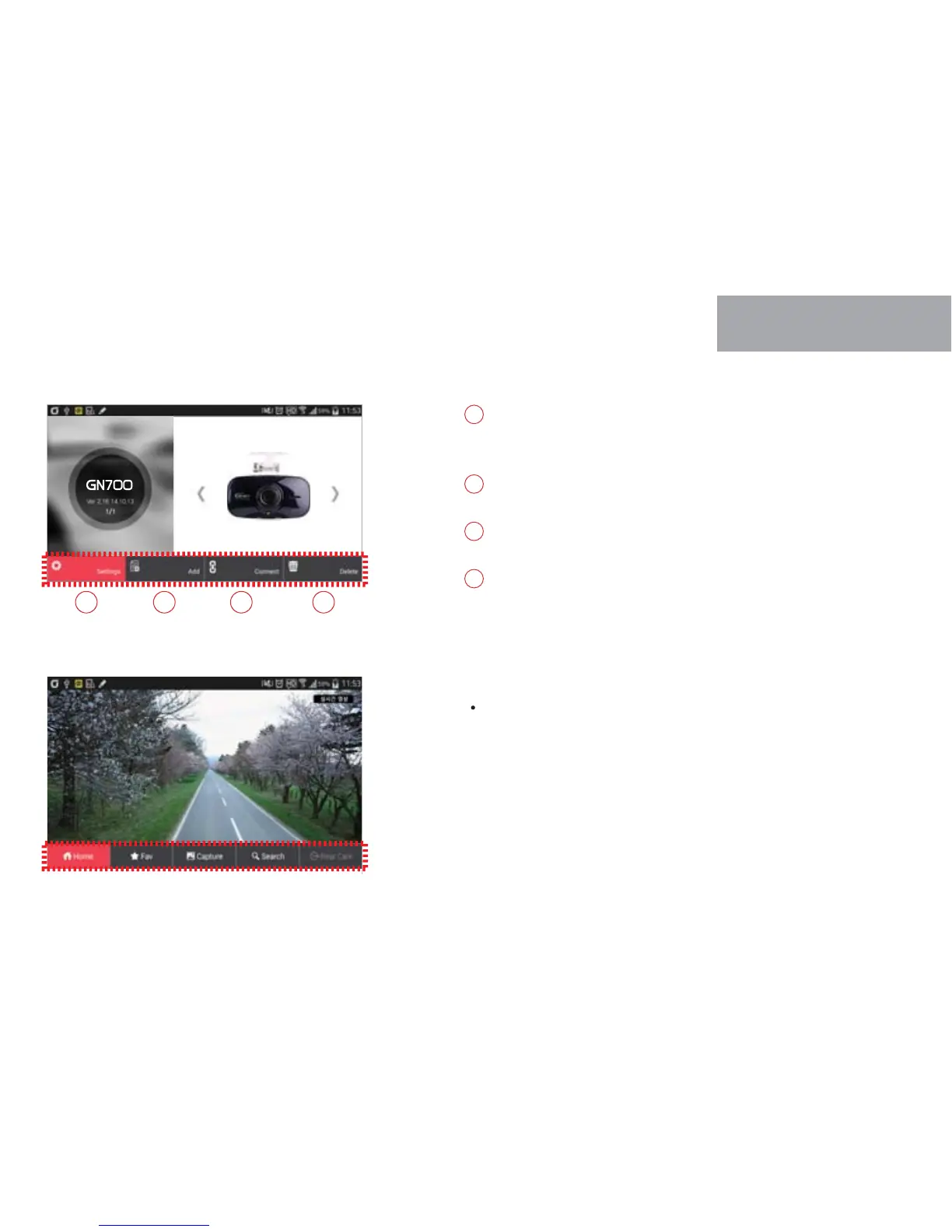
Simple and easy setup with application by smartphone. Press save
button, dash cam will reboot to apply new configuration.
Move to registration page if click “Add” icon.
Real time recording shows if click “Connect” icon after registration.
Delete registered product if click “Delete” icon.
1
2
3
4
The menu will appear in the bottom of screen if touch the screen
lightly during real time streaming.
30
WI-FI CONNECTION
WITH SMARTPHONE
04



 To Next Page