5
6
7
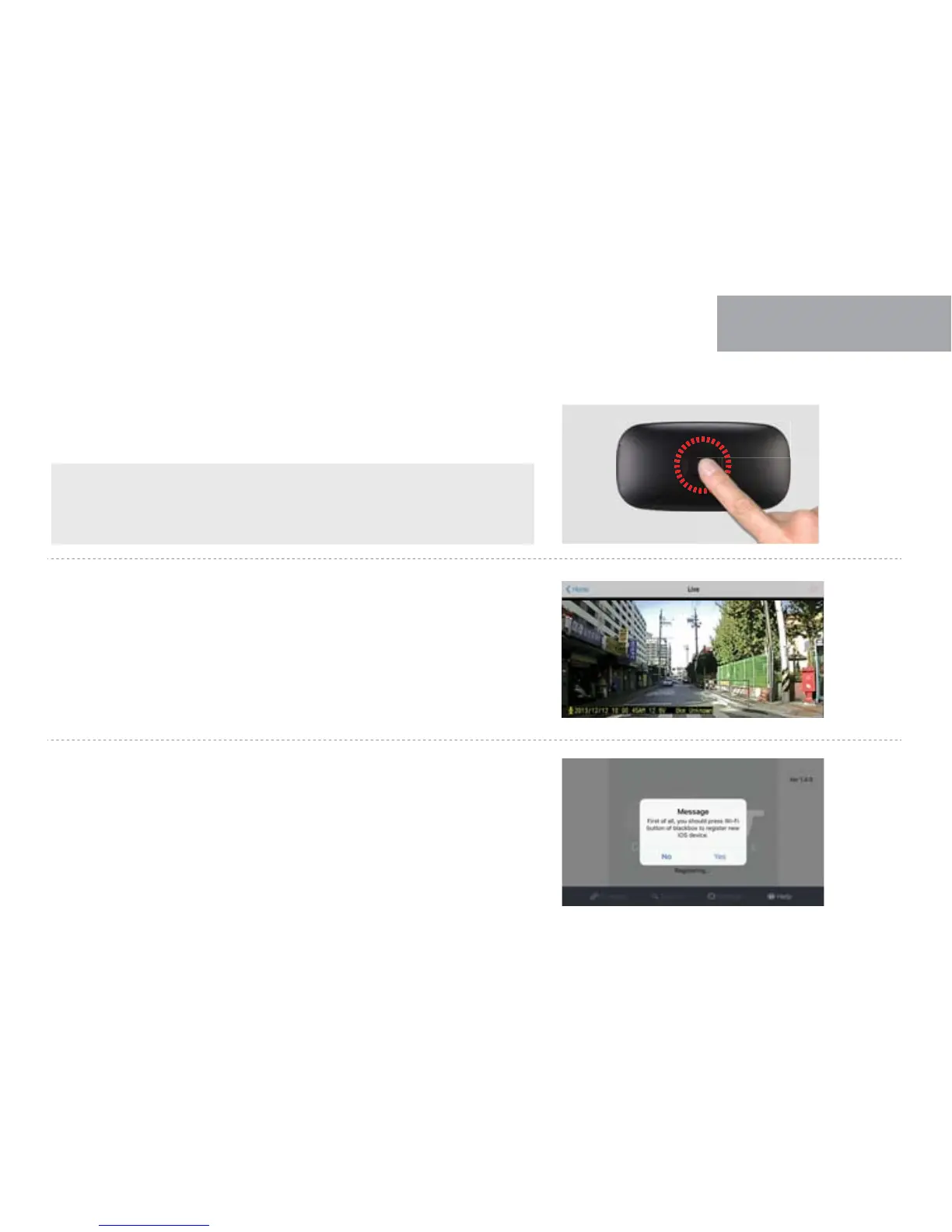
Press the Wi-Fi registration button of cam to activate register standby mode.
(Voice guidance: “Stand-by mode for the registration”)
If press current playing video in bottom menu, user can check real time video.
If register standby mode is not activated or released, a message will show up
like right picture. Try to press Wi-Fi button to activate Wi-Fi standby mode for
registration.
32
WI-FI CONNECTION
WITH SMARTPHONE
04
Maintenance time of register standby mode is 2 minutes.
If there is no connection of Wi-Fi, The voice guidance “Stand-by
mode for the registration is released” come out.



 To Next Page