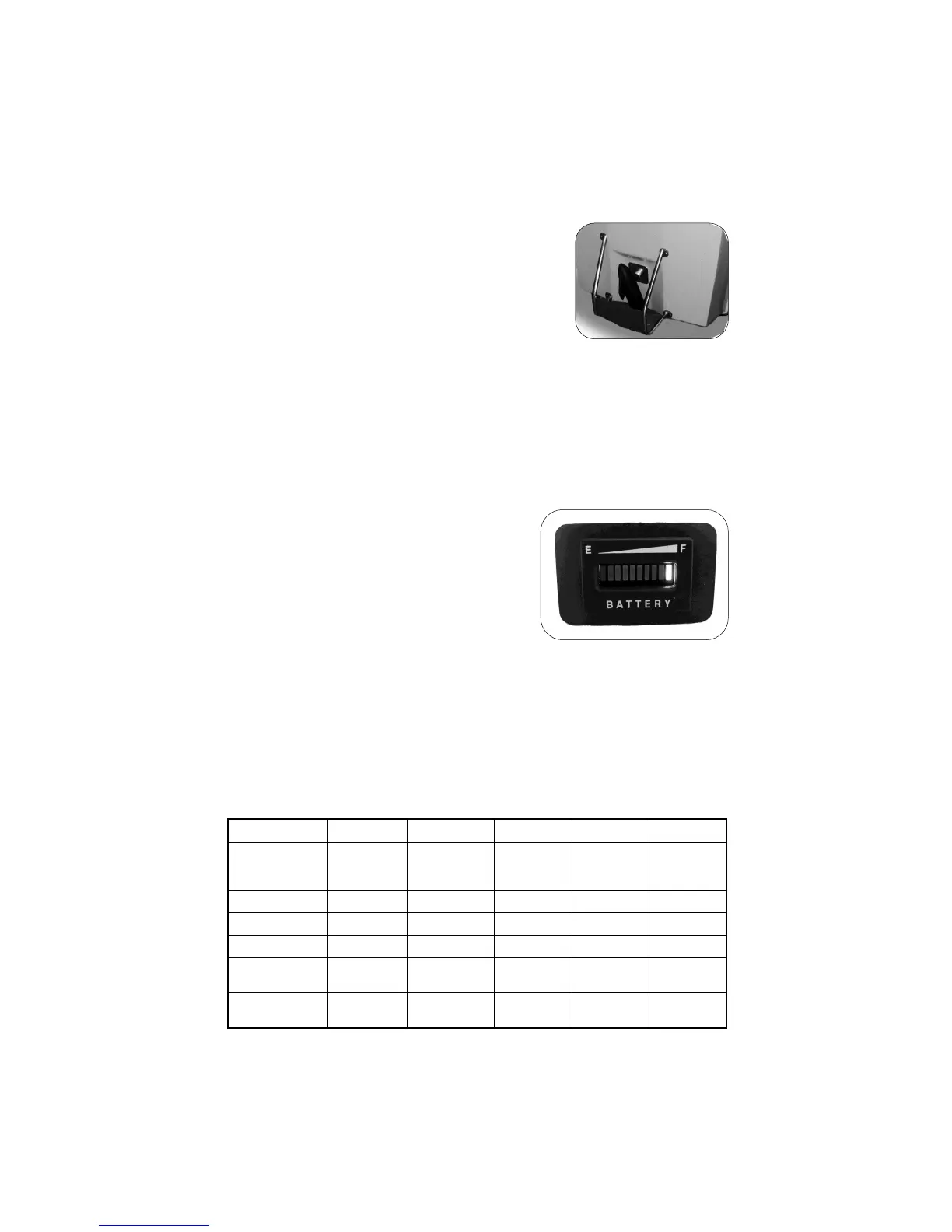
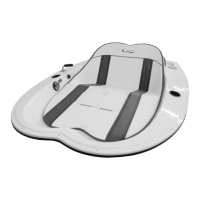
The Beach Buddy
TM
, is designed to protect the
motor and propeller from underwater objects
while cruising or beaching your Go-Float. It is
also used to stand your Go-Float on end for stor-
age in small areas. For instructions on storing
upright, see page 9.
While underway it may catch weeds. If you think
you have slowed because of weeds on the Beach Buddy, follow the
same procedure as for removing weeds from the propeller (page X).
Wheel Kits are available to add to your Go-Float Beach Buddy
TM
for
easier movement across lawns, driveways, etc. (page 5).
Do not use the Beach Buddy as a step to enter the boat.
Beach Buddy
TM
The Battery Status Indicator is specifically
designed to monitor the charge status of the
battery (or batteries) onboard your Go-Float.
Interpreting Battery Status. The battery
meter has 10 LEDs that will light to show the
battery condition. The percentages repre-
sent battery life. A fully charged battery will
be Indicated by the #10 GREEN LED light (shown in image). As the
battery discharges, the LEDs will light in descending order to indicate
the battery life. The chart shows what the lights indicate.
It is recommended to have the battery or batteries recharged when the
#3 YELLOW LED lights as a safety margin to prevent dead batteries
and to extend the overall lifetime of your battery (or batteries).
CAUTION: This is not a fool-proof device and no warranty is made that
your battery/batteries is/are in good condition. All charge levels are ap-
proximate.
Monitoring the Battery
E F
Power
Level
LED Lights
1 2 3 4 to 9 10
Fully Charged Green
40% to 90% Green
30% Power Yellow
20%
Flashing
Yellow
~ 10%
Flashing
Red
Flashing
Yellow



 To Next Page