EasyManua.ls Logo

Go-Float Vortex - User Manual

Default Icon
12 pages
Print Icon
To Next Page IconTo Next Page
Loading...
Ele ct ric Boa t s
Sun Lounge r Se rie s
2 0 13 Owne r M a nua l
®

Questions and Answers

  • K
    Kevin RiceAug 7, 2025
    How to troubleshoot speed loss in my Go-Float Boat?
    • Z
      zjonesAug 7, 2025
      If you're experiencing speed loss with your Go-Float Boat, there are a few things you can check: 1. Inspect the propeller for any weeds or fishing line and remove them. 2. Check the battery charge status. 3. Check the battery connections to ensure they are secure.
  • D
    Donald BakerAug 17, 2025
    What to do if my Go-Float Boat motor is making noise or vibrating?
    • H
      hillelizabethAug 17, 2025
      If your Go-Float Boat motor is making unusual noises or vibrating, try the following: 1. Check the propeller for any obstructions like weeds or fishing line. 2. Make sure the propeller is securely attached and not damaged.
  • P
    priceelizabethAug 27, 2025
    What to do if there are weeds on the prop of my Go-Float Vortex Boat?
    • S
      Steven WadeAug 27, 2025
      To remove weeds from the propeller of your Go-Float Boat while underway: 1. Set the speed control to Forward 5 and briefly spin the propeller. 2. Stop the motor, set the speed to Reverse 2, and briefly spin the propeller. 3. Reset the speed to forward and check if performance has improved. 4. Repeat steps 1-3 until the weeds are cleared and performance returns to normal.

Summary

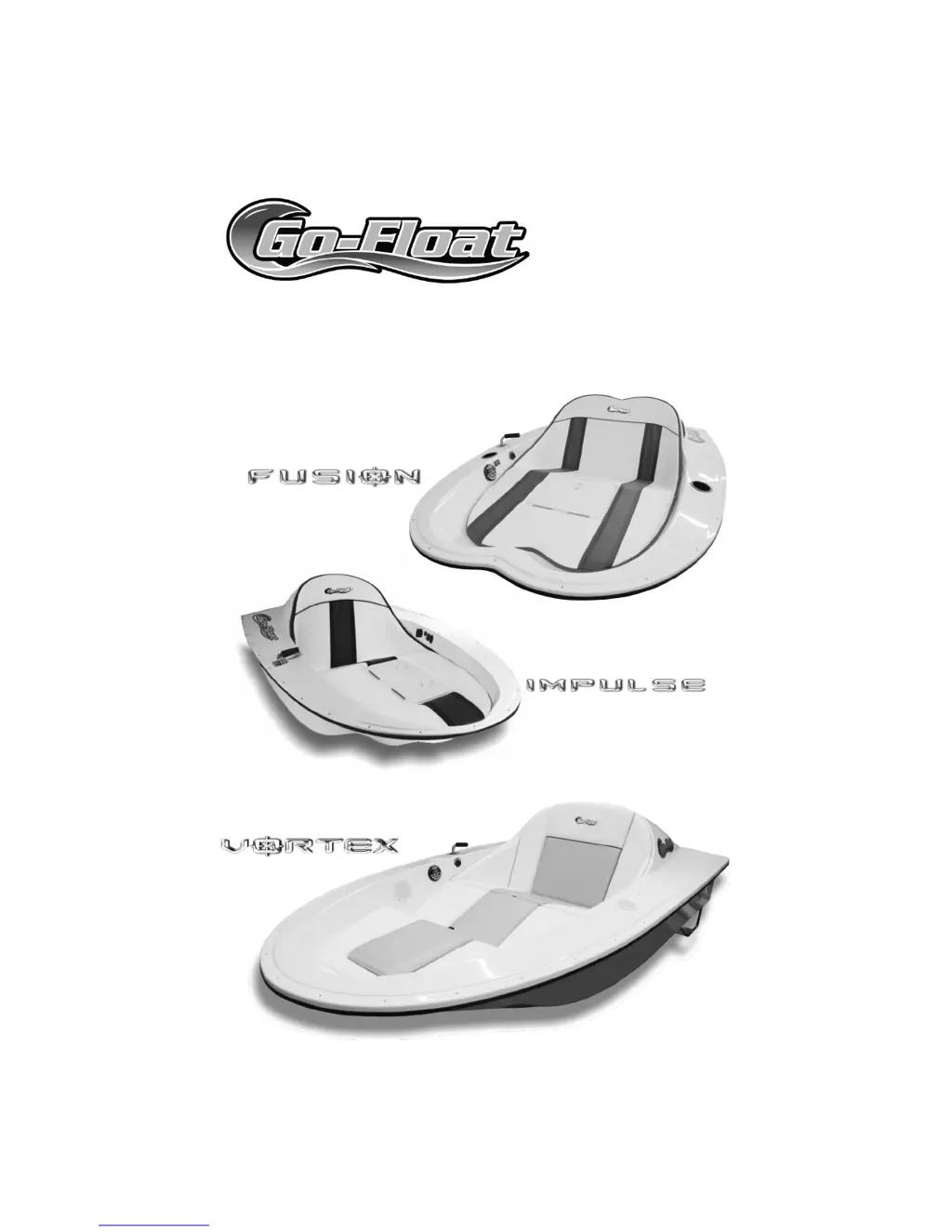
Overview of Go-Float Fusion & Impulse Features

Overview of Go-Float Vortex Features

Getting Started and Operation

Battery Connection

Connects the Go-Float boat's batteries, ensuring power is ready for use. Requires seat removal.

Operation Basics

Instructions on how to operate the Go-Float boat, including speed and steering controls.

Detailed Operation Controls

Speed Control

Details on the speed selector knob and its settings from OFF to Forward 5 and Reverse 2.

Steering and Power Control

Explains the 'GO' button for motor activation and steering directions for forward and reverse.

Automatic Bilge Pump

Describes the automatic bilge pump that removes accumulated water from the hull via a port.

Additional Features

Stereo Features

Information on the optional stereo system, compatible with MP3 players and other audio devices.

Beach Buddy Usage

Details on the Beach Buddy for motor protection, storage, and optional wheel kits.

Battery Management

Battery Status Monitoring

Explains the battery status indicator and how to interpret the charge levels shown.

Battery Charging

Instructions for charging the battery using the onboard charger or an external one, with safety precautions.

Storage and Boarding

Upright Storage Procedures

Guidance on storing the Go-Float upright temporarily or long-term, including battery care.

Beaching Procedures

Important recommendations for beaching the Go-Float horizontally to prevent hull damage.

Safe Boarding and Disembarking

Instructions for safely boarding and disembarking the Go-Float to maintain stability.

Maintenance and Electrical

Propeller Replacement

Step-by-step guide on how to safely remove and replace the propeller using the special tool.

Motor Care

Recommendations for rinsing the motor, checking the propeller, and lubricating moving parts.

Electrical Connection Safety

Guidelines for handling battery removal/installation, ensuring switches are off and recommending specific batteries.

Troubleshooting and Safety

Performance Issues

Addresses speed loss and motor noise/vibration, detailing causes and solutions.

Weed Removal

Provides methods for removing weeds from the propeller or Beach Buddy, both underway and manually.

Personal Flotation Devices

Recommends wearing a personal flotation device for all occupants for safety.

Motor and Propeller Safety

Advises watching for hazards, swimmers, and warns against running the motor out of water.

Go-Float Vortex Specifications

General IconGeneral
BrandGo-Float
ModelVortex
CategoryBoat
LanguageEnglish

Related product manuals