NOTE:
For proper ventilation, your Dual-Deck
VCR needs at least 3/8"clearance aft
around it. Make sure you have enough
morn on your shelfto provide
this clearance.
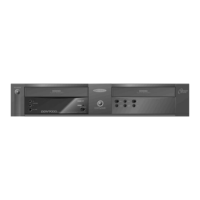
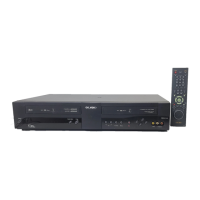
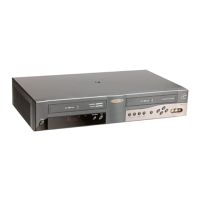
Your Dual-Deck VCR connects to your TV and
antenna in exactly the same way as any other VCR.
If you already own a VCR, take a few minutes to note
how the VCR is hooked up. Then simply swap the
Dual-Deck with your old VCR using the same settings
and connections.
Here are some things you should take note of in your
current hookup:
1. Which cable attaches to the VCR's ANTENNA IN
.jack on the back of the VCR.
2. Which cable attaches to the TV OUT jack on the
back of the VCR.
3. Which channel your TV is tuned to (to watch the VCR).
4. Which channel (3 or 4) is set on the back of your VCR.
5. If you have a cable converter box leading into your
VCR, you will need to note which channel (2, 3 or 4)
your VCR is tuned to.
Note: }Our exact L,ookup _,itl cl_t)eHd oll
whetlle_ oz¢?otyou subsc,'Tbeto c_bJe TV
ol,,d whetL,ecyou have a r'z#decon,<elm1
box of o,_/le,'"equiI;meHt puc']l as lase,'
cliscpMye£ satel/ite recdve£ etc,),
6. Be sure to insert the two supplied AA batteries in the
remote control
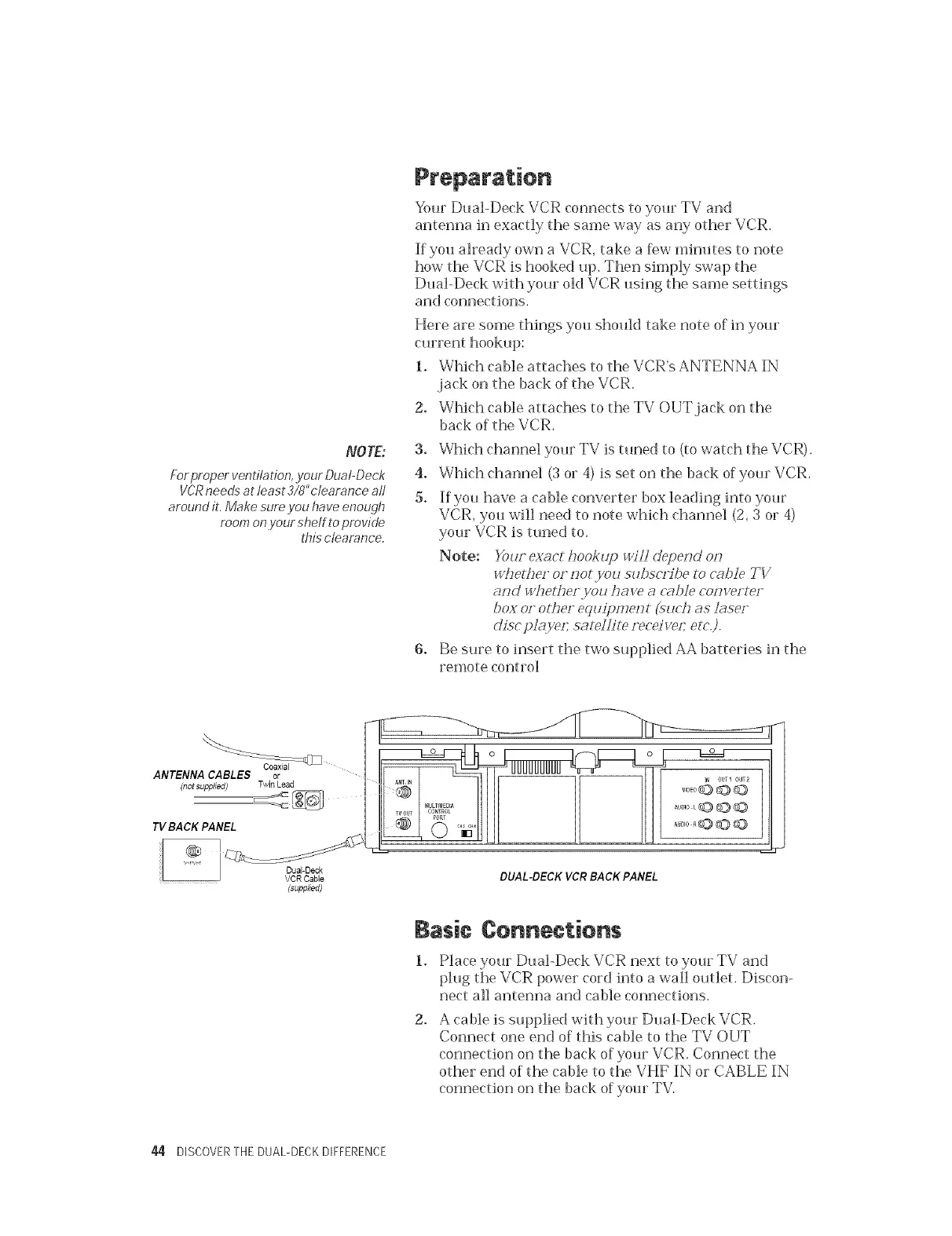
_LD
ANTENNA CABLES or
(not supplied} Twin Lead
TV BACK PANEL
(supplied)
L UUUUUUUUU
co,Not
PORT
, © "ia
DUAL-DECK VCR BACK PANEL
Basic (}onnections
2.
Place your Dual-Deck VCR next to your TV and
plug the VCR power cord into a wall outlet. Discon-
nect all antenna and cable connections.
A cable is supplied with your Dual-Deck VCR.
Connect one end of this cable to the TV OUT
connection on the back of your VCR. Connect the
other end of the cable to the VHF IN or CABLE IN
connection on the back of your TV.
44 DISCOVERTHE DUAL-DECKDIFFERENCE


 To Next Page